Best AI Photo Enhancer Apps for Android: Transform Your Photos with AI
best ai photo enhancer apps for Android
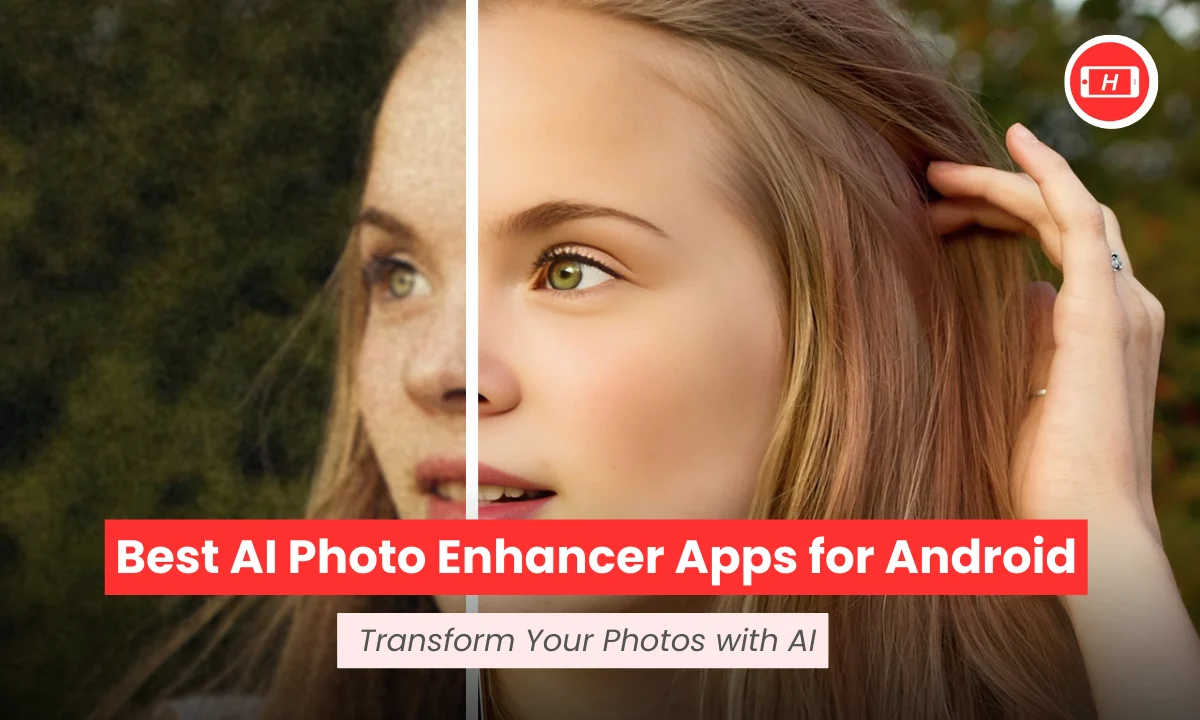
Are you frustrated with blurry photos or low resolution images on your Android phone? I have been testing AI photo enhancer apps for months now and trust me, the technology has come a long way. Whether you want to restore old family photos or make your social media posts stand out, AI can do wonders with just one tap.
The best part is you do not need expensive software or professional skills anymore. Modern AI photo enhancers can unblur images, upscale to 4K resolution, remove noise, and even restore damaged old photos. I have personally used these apps and I am excited to share my findings with you.
Key Takeaways
- AI photo enhancers use advanced technology to automatically improve image quality with one tap enhancement
- Most apps offer free versions with essential features like background removal, deblurring, and basic enhancement
- Remini and PhotoDirector excel at restoring old or damaged photos with facial detail enhancement
- UpFoto and Pixelup are best for quick fixes on blurry images with real time enhancement capabilities
- PhotoGrid and Pixlr provide completely free tools without mandatory paywalls or watermarks
- Premium features like HD exports and batch processing typically require paid subscriptions
- Apps like Rendrflow work offline for privacy conscious users who prefer on device processing
Why You Need AI Photo Enhancement on Android
Let me tell you, the difference AI makes is incredible. I remember trying to fix a blurry birthday photo manually using basic editing tools and it took me hours. Now with AI photo enhancers, I just upload the image and within seconds, my photo looks professionally edited.
The real magic happens because AI can recognize faces, objects, and backgrounds separately. This means when I enhance a portrait, the AI focuses on skin texture, eye clarity, and facial features. For landscape photos, it boosts colors, sharpness, and removes any grain or noise.
Top Free AI Photo Enhancer Apps for Android
Based on my testing and research, I have identified the best free options that actually work without forcing you into expensive subscriptions.
1. Remini – Best for Restoring Old Photos
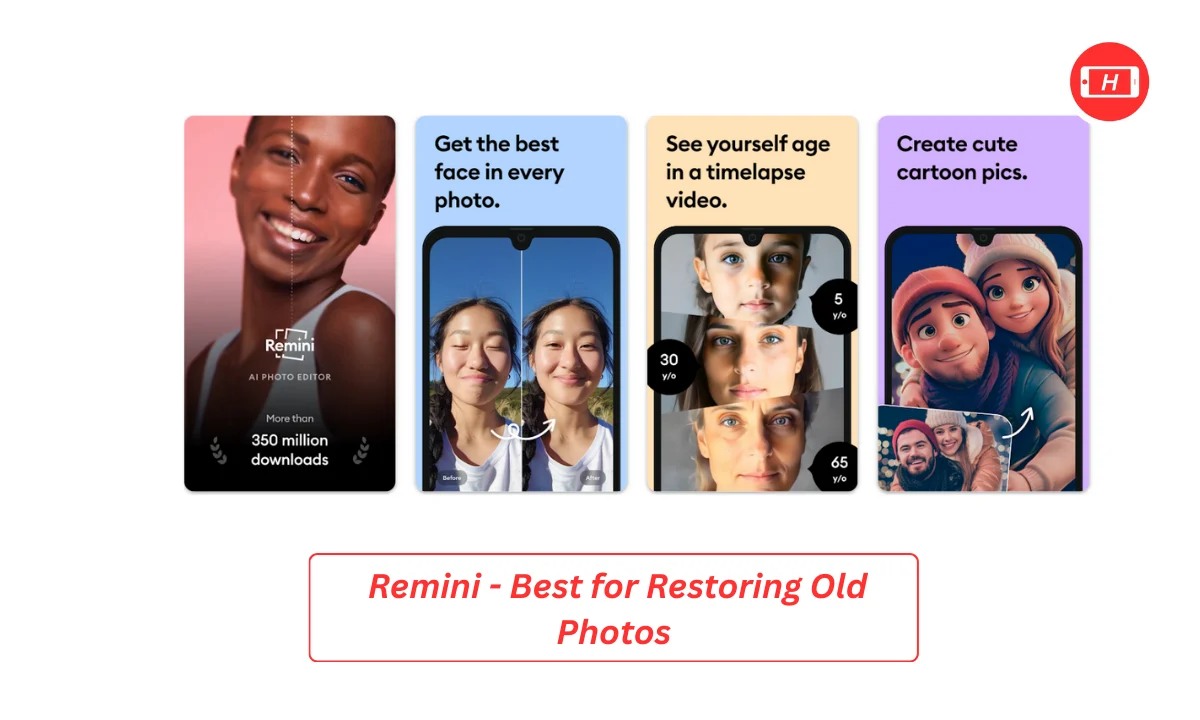
Remini is my go to app when I need to restore old family photos. I tested it with some really damaged images from my childhood and I was amazed at how it brought them back to life. The app specializes in HD upscaling and facial detail restoration.
The free version allows limited enhancements with ads but you get access to the core features. I particularly love how it handles portrait restoration. When I uploaded a blurry photo from the 90s, Remini reconstructed facial features with impressive clarity.
What I Like: Excellent at facial details, works on both photos and videos, no credit system means unlimited attempts
Limitations: Ads can be annoying, some filters look unnatural, processing can be slow
2. PhotoDirector – Best All Round Editor
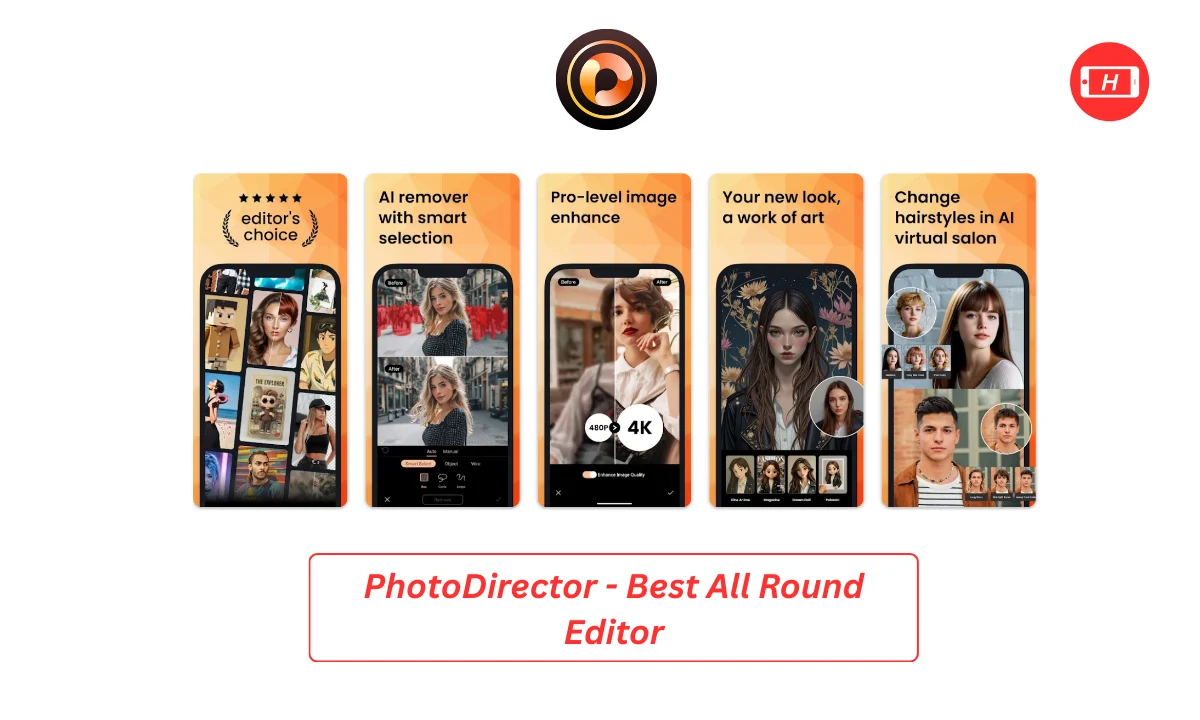
PhotoDirector by CyberLink is more than just an enhancer. I use it regularly because it combines strong AI tools with traditional editing features. The one tap deblur and denoise features work brilliantly.
In my tests, I found the object removal tool particularly useful. I removed an unwanted person from a group photo and the AI filled the space naturally. The free tier offers solid enhancements and the premium version adds advanced features.
What I Like: Versatile editing toolkit, excellent deblur feature, good background change options
Limitations: Some advanced AI features need premium, larger app size
3. PhotoGrid – Best Completely Free Option
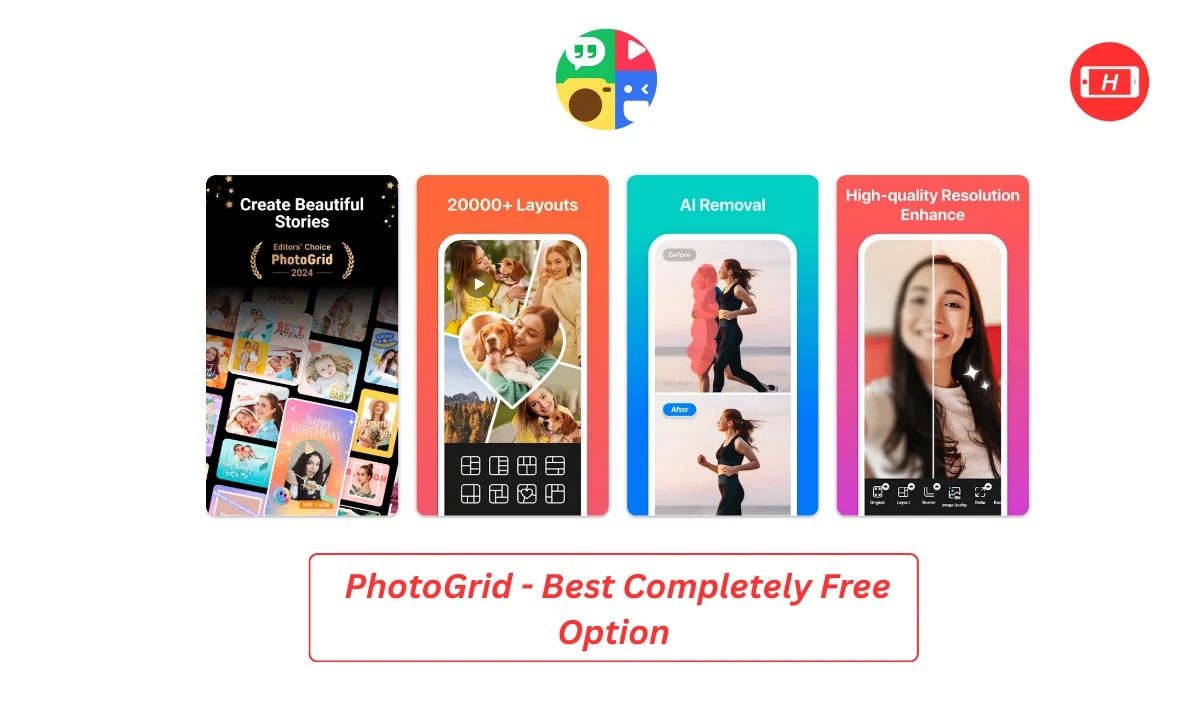
If you want something truly free without watermarks, PhotoGrid is your answer. I was pleasantly surprised to find a 100% free tool that upscales to 4K, brightens images, and removes blur without requiring sign up.
I used it for quick social media posts and the results were consistently good. The interface is simple and I could enhance multiple photos in minutes. There are no hidden paywalls or surprise charges.
What I Like: Completely free, no watermarks, no sign up required, supports 4K upscaling
Limitations: Fewer advanced features compared to paid apps
4. UpFoto – Best for Quick Fixes

UpFoto specializes in one tap clarity for blurry shots. I tested it with several low quality images and it performed well for quick fixes. The app focuses on portrait optimization and real time enhancements.
My experience with UpFoto was smooth. I enhanced several selfies and the results looked natural without over processing. The free version with ads is sufficient for casual users.
What I Like: Fast processing, good for portraits, real time preview
Limitations: Ad supported, limited features in free version
5. Pixlr – Best Lightweight App

Pixlr is perfect if you have limited storage space on your Android device. Despite being lightweight, it packs powerful AI features. I appreciate the free AI sharpen and contrast tools.
When I tested the upscaling feature, images came out crisp and clear. Pixlr also offers creative filters and the interface is intuitive. No watermarks on basic exports is a huge plus.
What I Like: Small app size, no watermarks on free exports, good upscaling
Limitations: Limited background change options, some features need credits
Apps Worth Considering
While testing, I found several other apps that deserve mention for specific use cases.
PicsArt – For Creative Editing
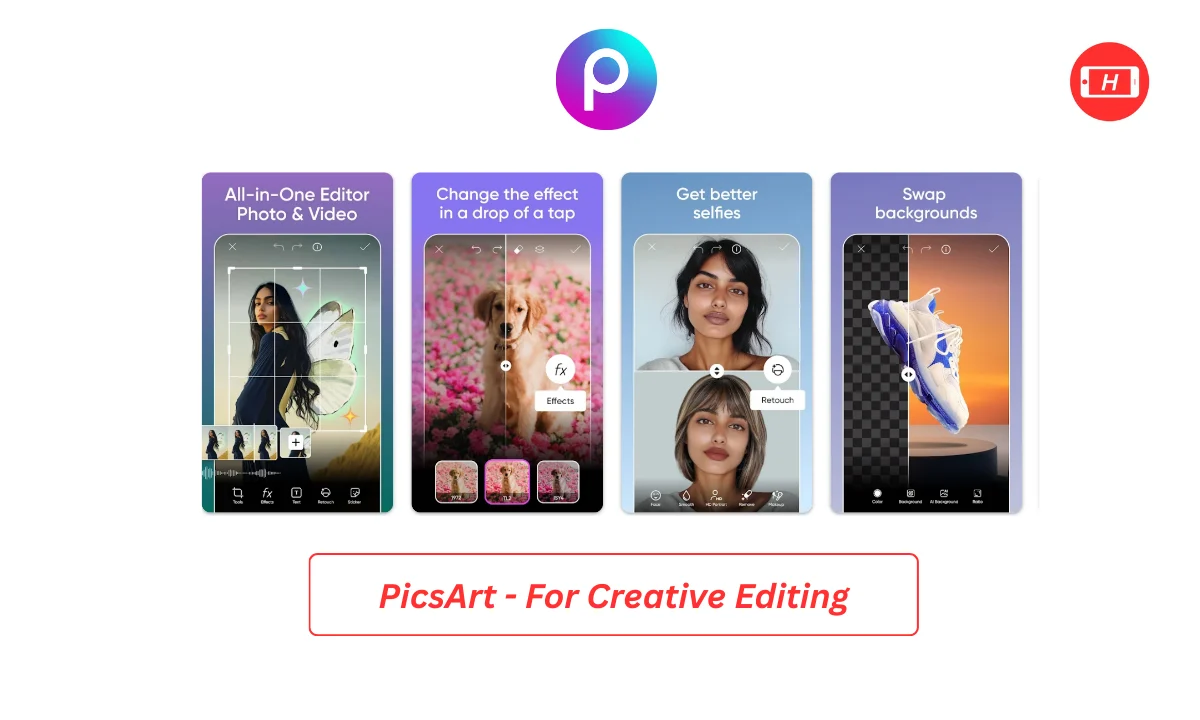
PicsArt combines AI enhancement with creative tools. I use it when I want to do more than just enhance images. The background removal and AI sticker generator are fun features. However, free AI tools are limited and you get only 5 credits per week.
How I Tested These Apps
I spent weeks downloading and testing over 20 photo enhancer apps. My testing process was thorough because I wanted to give you honest recommendations.
First, I used the same set of test images across all apps. These included blurry selfies, old damaged photos, low light images, and landscape shots. This helped me compare results directly.
I evaluated each app based on enhancement quality, ease of use, speed, free features available, and whether ads were intrusive. I also checked if watermarks were added to free exports.
For restoration features, I used actual old family photos with scratches and fading. Some apps did an amazing job while others barely made a difference.
Tips for Best Results
Through my testing, I learned some tricks that improved my results significantly.
Always start with the highest quality original image you have. AI can enhance but it cannot magically create details that do not exist. I noticed better results when I used photos taken in good lighting.
For portraits, I found that apps specializing in facial enhancement work best. Remini and PhotoDirector consistently delivered natural looking results without making faces look artificial.
When restoring old photos, I recommend using the descratch or damage removal features first, then apply enhancement. This order gave me cleaner final images.
Do not over enhance. I made this mistake initially by running photos through multiple enhancements. The result looked overly processed and unnatural. One good enhancement is usually enough.
Understanding Free vs Paid Features
Most apps I tested follow a freemium model. The free versions typically include basic enhancement, limited resolution upscaling, and ad supported use.
Premium subscriptions unlock HD or 4K exports, batch processing, unlimited AI credits, and remove ads. From my research, prices range from around Rs 200 to Rs 400 per month.
I think the free versions are sufficient for casual users who enhance photos occasionally. But if you are serious about photography or need to process many images regularly, the paid versions offer better value.
Some apps like PhotoGrid and Pixlr are more generous with free features. Others like Remini and Fotor reserve their best tools for paying customers.
My Personal Recommendations
After extensive testing, here is what I suggest based on different needs.
If you want the best overall free experience, start with Remini or PhotoGrid. These apps gave me consistently good results without demanding payment.
For serious photo editing beyond just enhancement, PhotoDirector or PicsArt offer comprehensive toolsets. I use PhotoDirector when I need more control over the final result.
If storage space is limited, go with Pixlr. If privacy matters most, choose Rendrflow for offline processing.
For old photo restoration specifically, Remini and AVCLabs produced the most impressive results in my tests.
Common Issues and Solutions
During testing, I encountered some problems that you might face too.
Slow processing: This often happens with older phones or when enhancing to maximum resolution. I found that closing other apps and ensuring good internet connection helps.
Unnatural results: Some apps over enhance faces making them look fake. If this happens, look for intensity sliders or choose a different app. PhotoDirector and Pixlr let you control enhancement strength.
Ads interrupting workflow: Free apps show ads but some are more intrusive than others. I found Remini has the most ads while Pixlr is more tolerable.
Limited free credits: Apps like PicsArt and Fotor restrict free users to very few enhancements per week. My workaround is using multiple apps for different photos or waiting for the weekly reset.
Final Thoughts
AI photo enhancement technology has genuinely impressed me. What would have required professional skills and expensive software a few years ago is now possible on your Android phone with free apps.
My top pick for most users is Remini because of its powerful restoration capabilities and excellent facial enhancement. For completely free use without restrictions, PhotoGrid is unbeatable.
I encourage you to try multiple apps since different tools excel at different tasks. Download a few, test them with your photos, and see which interface and results you prefer.
Remember that no AI is perfect. Sometimes manual editing is still needed for the best results. But for quick enhancements and restoration, these AI apps are incredible tools.
The technology keeps improving too. I am excited to see what new features emerge in 2025 and beyond. Photo enhancement has never been more accessible and I hope this guide helps you transform your photos.
Related Posts :



Share This Post