Best AI App for Interior Design: Transform Your Space in Minutes
Finding the best ai app for interior design can be overwhelming with so many options available in 2025. I have tested multiple AI tools to help you redesign your home without spending thousands on professional designers.
These apps use artificial intelligence to generate realistic room designs, suggest furniture placements, and help you visualize your dream space before making any purchases.
The interior design industry has completely transformed with AI technology. What used to take weeks and cost thousands of rupees can now be done in minutes from your smartphone. I personally used these apps to redesign my living room and bedroom, and the results were amazing.
Whether you are a homeowner planning a makeover or someone who just moved into a new apartment, these AI powered tools will save you time, money and endless confusion about furniture placement and color combinations.
In this guide, I will share my experience with the best ai app for interior decorating that actually deliver realistic results. No more guessing what your room will look like after changes. These tools let you experiment with different styles, furniture arrangements, and color schemes instantly. From modern minimalist to traditional Indian aesthetics, you can try everything before spending a single rupee.
Key Takeaways
- AI interior design apps generate photorealistic room renders in minutes using uploaded photos
- Most apps offer free trials or freemium models with 3-5 free designs before requiring payment
- Top apps include Planner 5D, Paintit AI, REimagine Home and Spacely AI with unique features
- Apps provide shoppable furniture links, style customization and AR visualization tools
- Best for homeowners, renters and DIY enthusiasts looking to save on designer consultation fees
- Mobile first design makes it easy to test ideas on the go from anywhere
- Professional designers also use these tools to streamline their workflow and present concepts
Also Read: Best AI Assistant for iPhone: Top 10 Apps That Actually Work in 2025
1. Planner 5D – Best Overall AI Interior Design App
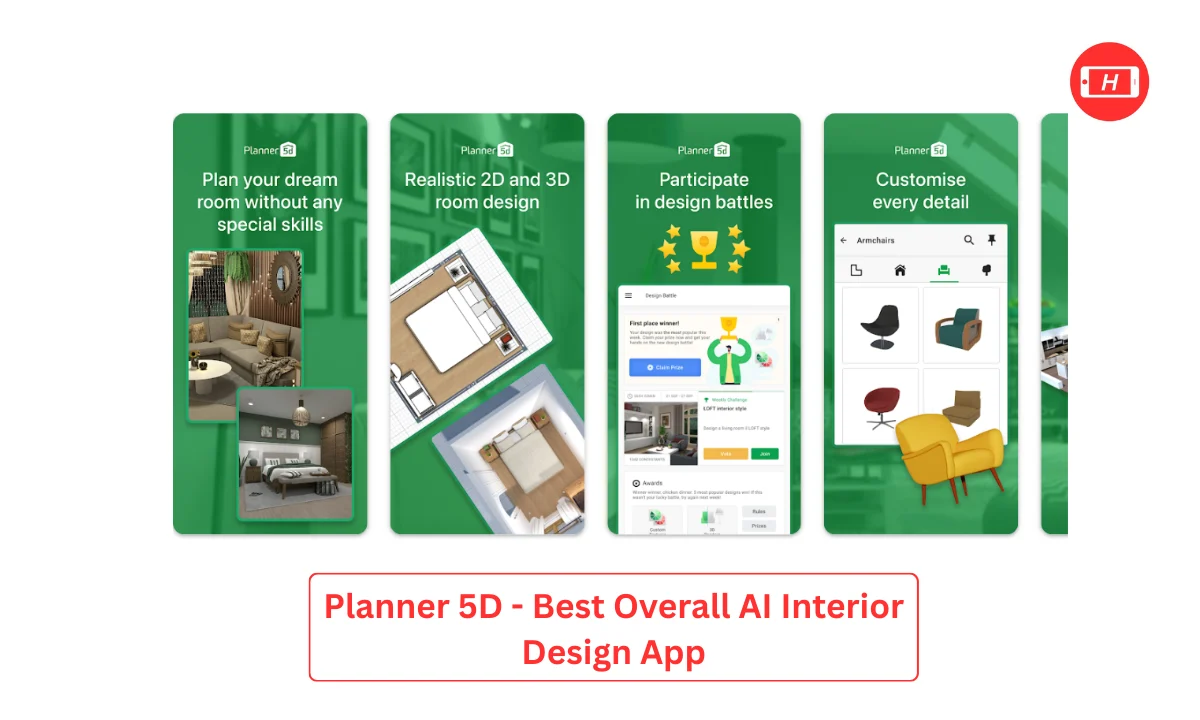
Planner 5D is my top pick for the best ai app for interior design because it offers everything you need in one platform. I used this app to redesign my entire living room and the experience was incredibly smooth. The mobile version works better than desktop, which is perfect when you want to quickly test ideas while shopping for furniture or sitting in your room trying to figure out layouts.
The app lets you create custom floor plans from scratch, which is something most other apps do not offer. You can switch between 2D and 3D views to see exactly how your space will look.
The drag and drop furniture placement feature helped me understand what would actually fit in my small Mumbai apartment. I could adjust wall colors, flooring, and even add architectural elements like windows and doors.
What impressed me most was the AI design generator that creates stylized renders from photos of your existing space. I uploaded pictures of my bedroom and within minutes got multiple design options in different styles. The AR try on feature lets you virtually place furniture in your actual room using your phone camera, which saved me from buying a sofa that would have been too big.
Benefits:
- Complete 3D room planning with custom floor plans and accurate measurements
- Extensive furniture library with thousands of items to choose from
- AI powered design generator creates multiple style options from room photos
- Switch seamlessly between 2D blueprint view and 3D realistic visualization
- AR feature to see furniture in your actual space before purchasing
- Export floor plans to CAD format for professional use
Use Cases:
- Planning complete home renovations with accurate room dimensions
- Experimenting with furniture arrangements before buying anything
- Creating mood boards for different room styles and themes
- Testing wallpaper and paint colors virtually before commitment
- Visualizing how new decor items will look using AR technology
Pricing: Freemium model with free basic features, premium subscription starts around 500-800 rupees per month for unlimited renders and advanced features
2. Paintit AI – Best for Shoppable Furniture Integration
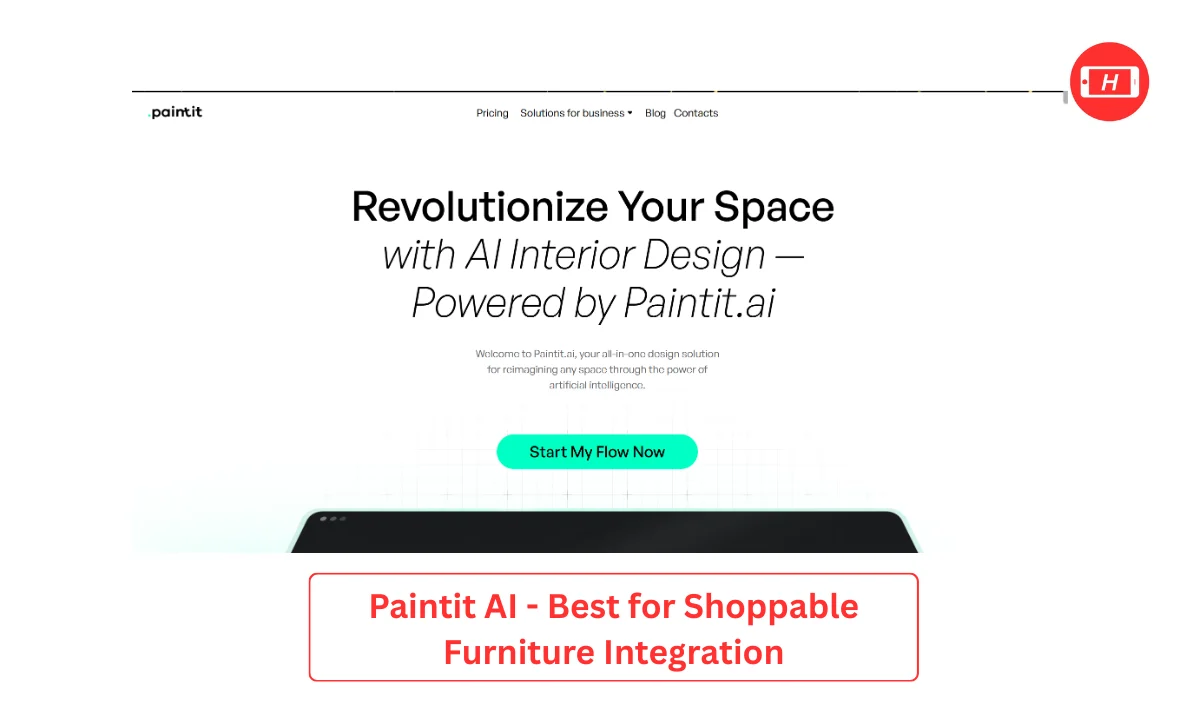
Paintit AI revolutionized how I approach interior design by making the entire process conversational. Instead of complicated menus, the AI asks you questions about your preferences and generates designs accordingly. I found this incredibly helpful because sometimes you do not know exactly what style you want until you see options.
The standout feature is the intelligent furniture matching system. Below each render, you get real purchasable items from retailers like IKEA, Pepperfry and Amazon. This bridges the gap between visualization and actually buying the furniture. I redesigned my home office using Paintit AI and was able to purchase 80 percent of the suggested furniture directly through the links provided.
The render quality is exceptional with accurate lighting, realistic textures, and proper furniture proportions. I uploaded a photo of my plain living room and requested a Scandinavian style transformation. The results maintained my room layout perfectly while adding warm wood tones, minimal furniture, and appropriate lighting that actually looked achievable in real life.
Benefits:
- Conversational AI asks questions to understand your exact preferences
- Shoppable furniture links connect directly to online retailers for easy purchasing
- High quality photorealistic renders with accurate lighting and textures
- Multiple design variations generated from single room photo
- Style customization across 50+ design aesthetics from modern to traditional
- Fast processing with results delivered within 2-3 minutes
Use Cases:
- Quick room makeovers when you need instant design inspiration
- Shopping for furniture with AI recommendations that match your style
- Experimenting with different aesthetics before committing to purchases
- Getting design ideas for specific rooms like kitchens or bedrooms
- Creating shareable design boards for family input and approval
Pricing: Free trial with limited renders, paid plans start from approximately 800-1200 rupees per month
3. REimagine Home – Best for Beginners
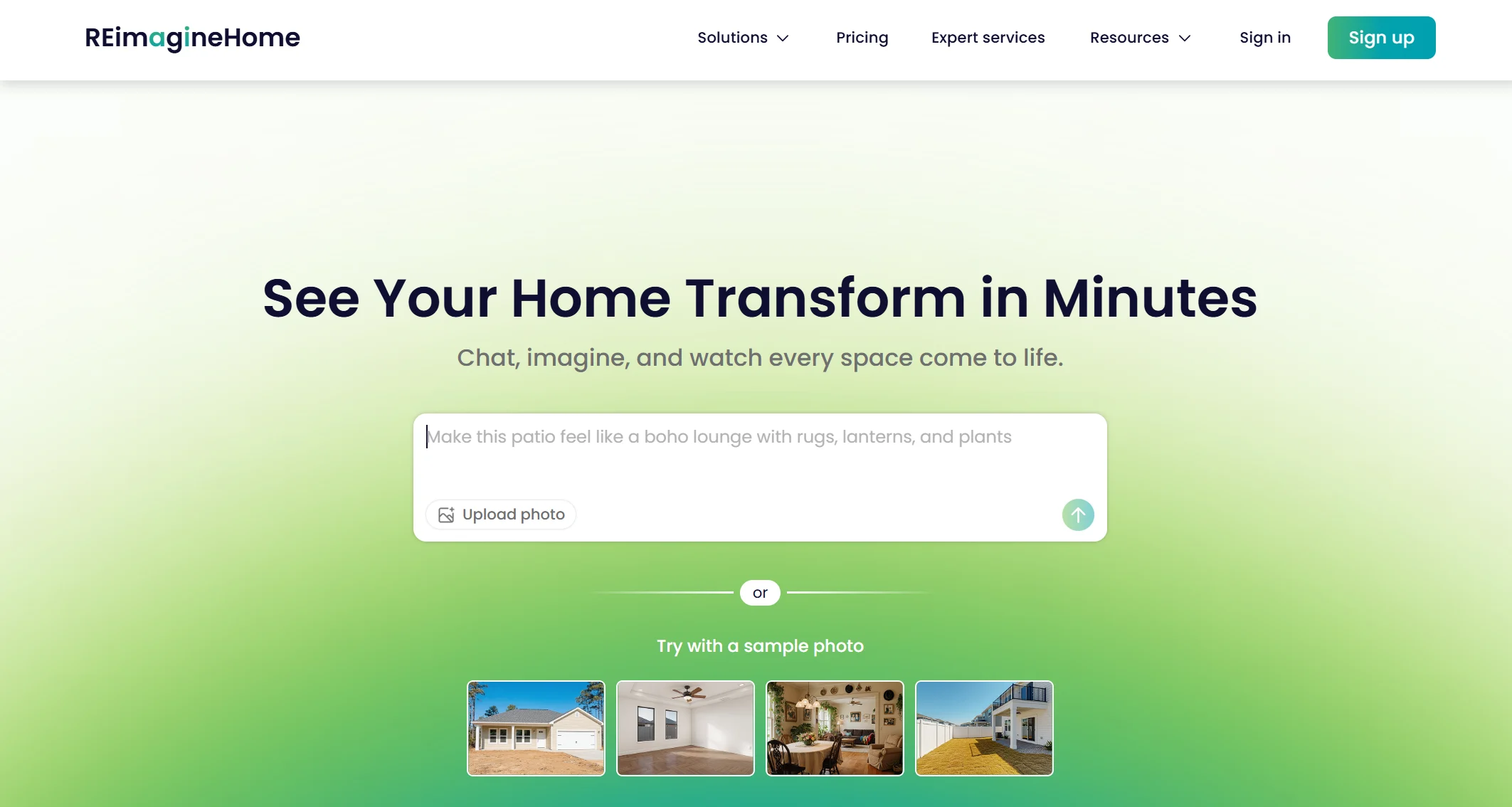
REimagine Home is perfect if you have zero design knowledge and just want quick results. I recommended this app to my parents who were renovating their retirement home and they found it incredibly easy to use. You do not need to understand design terminology or have any technical skills to get beautiful results.
The interface is super clean with preset style options clearly displayed. You simply upload a room photo, select from styles like modern, traditional, coastal or minimalist, and get your redesign in seconds. I used it to experiment with my guest bedroom and tried five different styles in less than 10 minutes to see what worked best.
What makes REimagine Home great for beginners is that it does not overwhelm you with too many options. The AI makes smart decisions about furniture placement, color coordination, and decor items. I found the results to be practical and achievable rather than overly fancy designs that would cost lakhs to implement.
Benefits:
- Extremely simple interface with no learning curve required
- Preset style options make decision making easy for non designers
- Fast render times with results in under 30 seconds
- Clean realistic designs that are actually achievable on normal budgets
- Good for quick style experiments and comparison between options
- Mobile friendly for testing ideas while visiting furniture stores
Use Cases:
- First time homeowners exploring different design possibilities
- Quick room refresh ideas without major renovations
- Testing paint colors and basic furniture arrangements
- Getting inspiration for rental properties with limited changes allowed
- Sharing design concepts with family members for quick feedback
Pricing: Freemium with basic free tier, premium features cost around 500-700 rupees monthly
4. Spacely AI – Best for Design Enthusiasts and Professionals
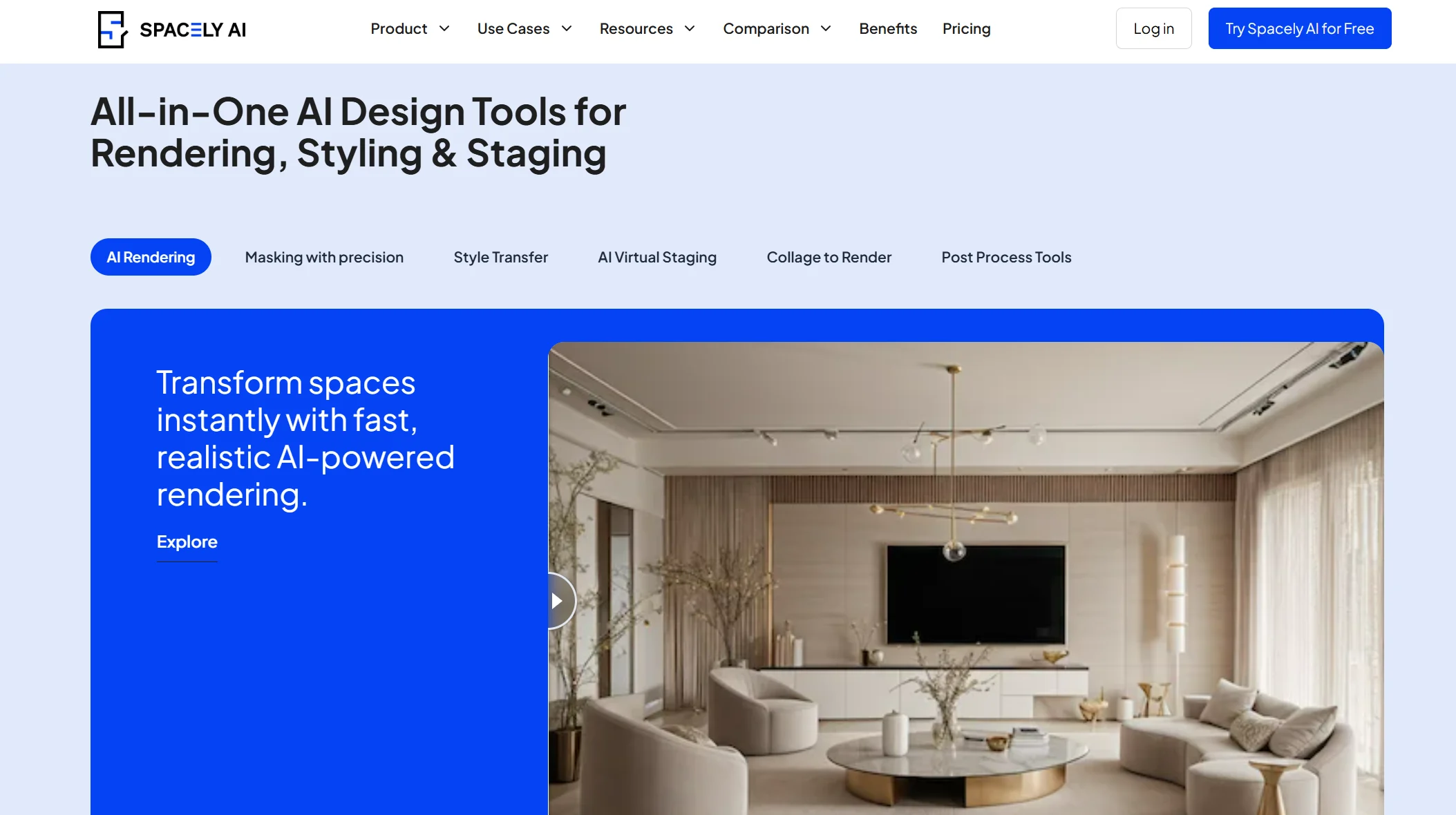
Spacely AI bridges the gap between casual users and professional interior designers perfectly. I found this app incredibly powerful when I wanted more control over the design process compared to basic apps. The quality of renders is exceptional with fine tuning options that let you adjust specific elements.
You can upload room photos, hand drawn sketches, or even blank 3D renderings and Spacely will transform them according to your specifications. I sketched a rough layout of my dream kitchen on paper, uploaded it, and got a photorealistic render that helped me explain my vision to the contractor. This saved so much miscommunication and revision time.
The post render editing capabilities are where Spacely really shines. After getting your initial design, you can move furniture around, change colors, swap items, and refine details until everything is perfect. I spent about an hour tweaking my living room design and the final result was exactly what I wanted to show my carpenter.
Benefits:
- High quality photorealistic renders with professional grade output
- Accepts multiple input types including photos, sketches and 3D models
- Extensive post render editing to move and adjust furniture placement
- Large library of preset design styles from contemporary to traditional
- Fine tuning controls for lighting, textures and material finishes
- Good for both personal projects and professional client presentations
Use Cases:
- Professional designers streamlining client presentation workflow
- Homeowners planning major renovations requiring detailed visualization
- Real estate staging to show property potential to buyers
- Commercial space design for offices, restaurants or retail stores
- Creating detailed design proposals for contractor communication
Pricing: Subscription based, personal use plans around 1000-1500 rupees per month, enterprise pricing available for design firms
5. Homestyler – Best All in One Platform with Real Product Catalogs
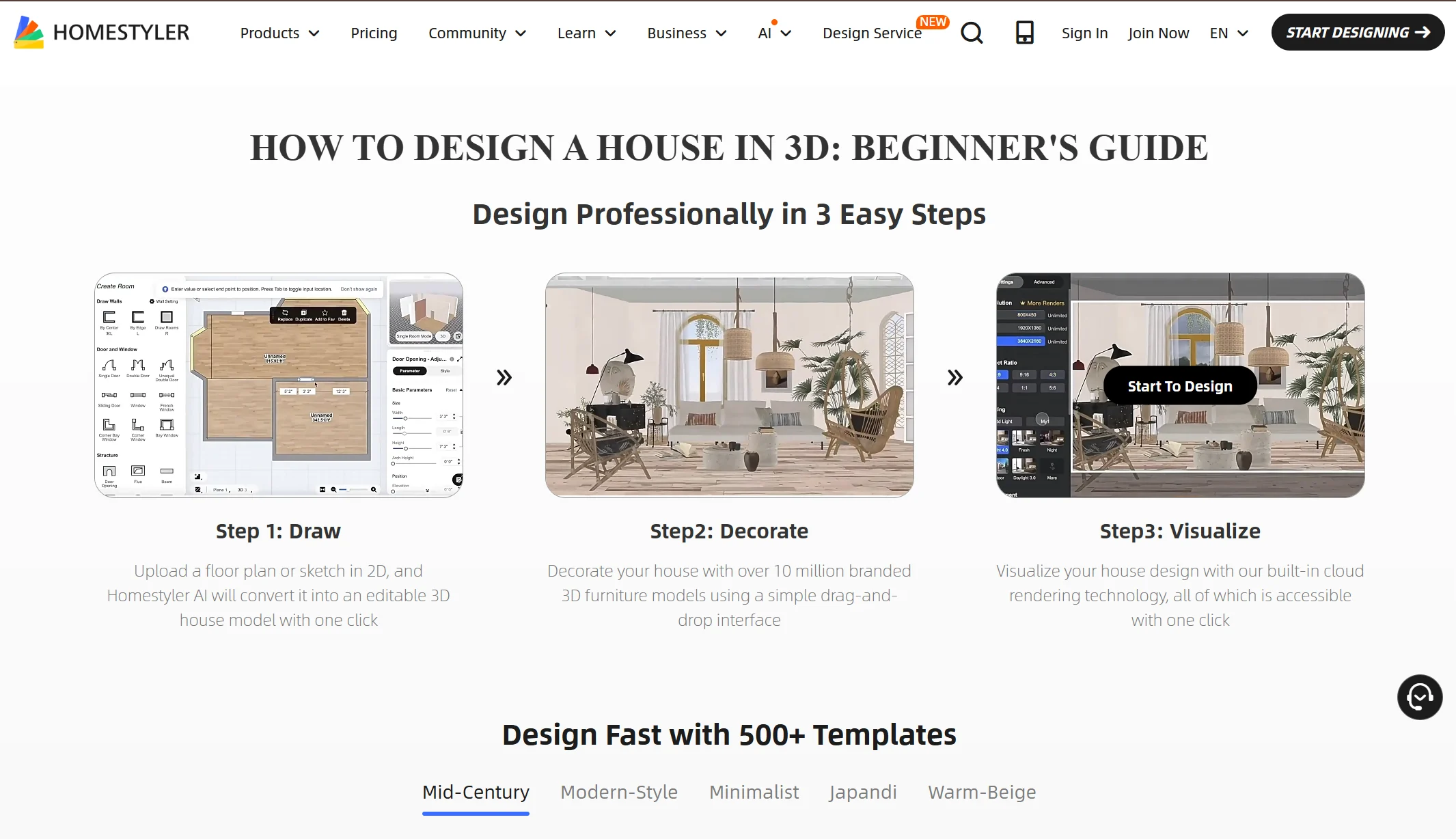
Homestyler stands out because it combines AI design tools with access to real product catalogs from actual furniture brands. I spent an entire weekend redesigning my dining area using this app and loved how I could see real products from Indian and international brands integrated into my designs.
The 3D planning tool is comprehensive, allowing you to create floor plans from scratch or upload existing layouts. The furniture library is massive with items categorized by brand, style, price range, and room type. I could filter products available in India specifically, which helped me avoid falling in love with furniture I could not actually buy locally.
The community features are fantastic for getting inspiration from other users. I browsed through thousands of completed projects, saved ideas I liked, and adapted them to my own space. This collaborative aspect made the design process less lonely and more creative compared to working in isolation with other apps.
Benefits:
- Real furniture catalogs from established brands and retailers
- Comprehensive 3D planning with detailed floor plan creation tools
- Active community for inspiration and idea sharing with other users
- Product filters for price range, availability and style preferences
- AR visualization to see furniture in your actual room before buying
- Save and organize favorite designs and products in mood boards
Use Cases:
- Complete home furnishing projects from planning to purchasing
- Browsing real furniture options while designing your space
- Getting inspiration from community submitted designs and projects
- Creating detailed shopping lists with actual products and prices
- Planning furniture purchases within specific budget constraints
Pricing: Free basic version available, premium features require subscription around 600-1000 rupees monthly
6. Feel Design AI – Best for Speed and Cultural Customization
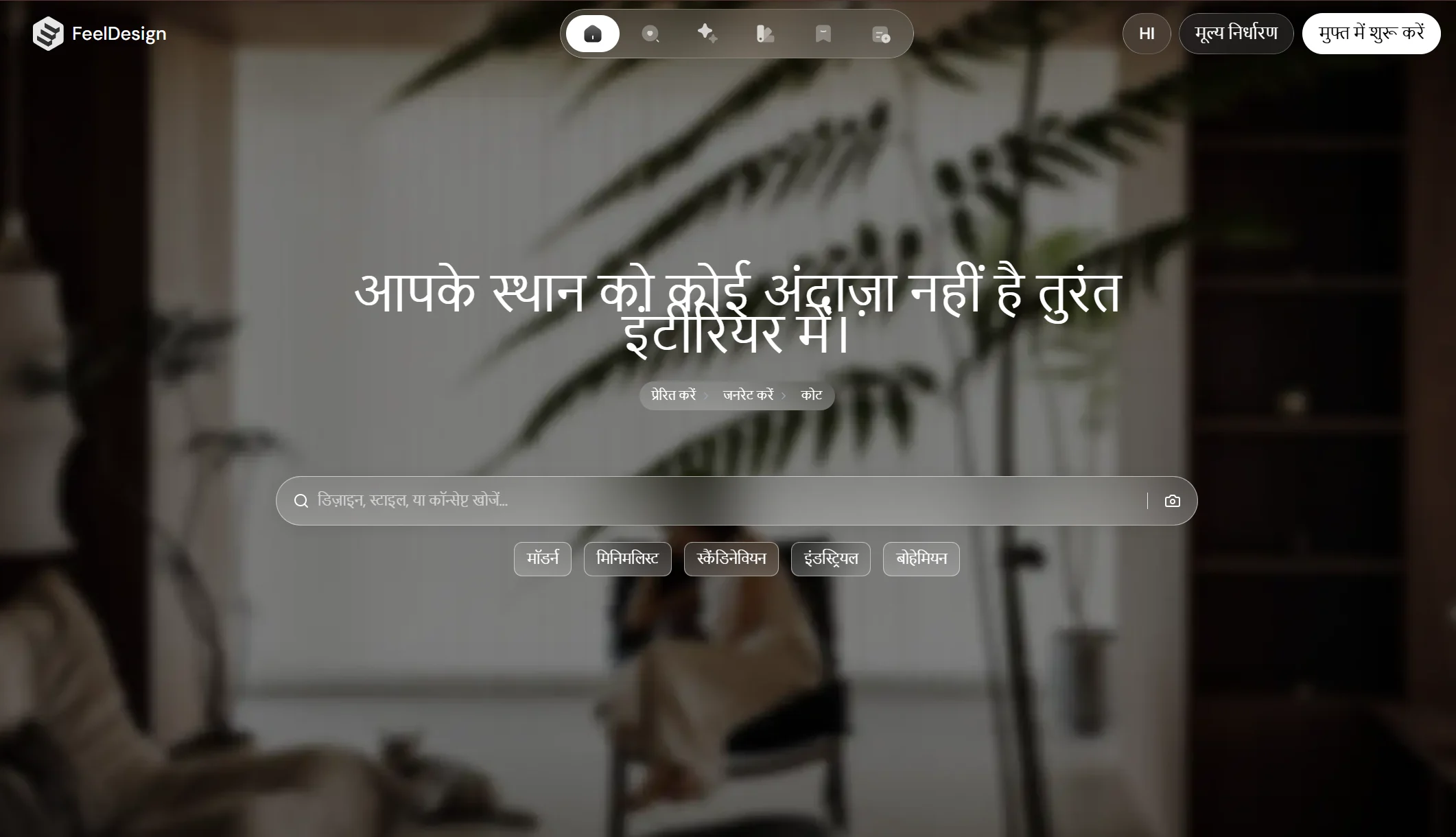
Feel Design AI impressed me with its blazing fast render speeds and attention to cultural design preferences. The app delivers full room redesigns in under 60 seconds, which is perfect when you are experimenting with multiple ideas and do not want to wait around.
What sets Feel Design apart is the cultural customization, especially useful for Indian homes. The app understands regional design aesthetics, whether you want a traditional Kerala style, modern Gujarati, or contemporary Delhi apartment look. I used it to design my pooja room and the AI understood the cultural requirements without me having to explain everything in detail.
The floor plan upload feature is incredibly useful if you are working with architects or contractors. I uploaded my apartment blueprint and the AI generated multiple layout options showing how furniture could be arranged. This helped me maximize space utilization in my compact 2BHK flat where every square foot matters.
Benefits:
- Extremely fast processing with renders ready in under one minute
- Cultural design understanding for Indian and Asian aesthetics
- Floor plan upload for AI generated furniture layout suggestions
- Test specific elements like lighting, wallpaper and flooring individually
- Clean modern interface with intuitive navigation and controls
- Credit based pricing system offers flexibility over monthly subscriptions
Use Cases:
- Quick design iterations when exploring multiple style directions
- Culturally appropriate designs for traditional Indian homes
- Space planning for compact apartments and small rooms
- Testing lighting scenarios for different times of day
- Virtual staging for real estate photography and listings
Pricing: Credit based system, starter packs begin around 300-500 rupees with bulk discounts available
7. Interior AI – Best for Daily Design Inspiration
Interior AI is perfect for those who enjoy experimenting with design ideas regularly without committing to expensive subscriptions. The app offers one free low resolution redesign daily, which I found useful for ongoing projects where I wanted to test small changes over time rather than all at once.
The style options are straightforward covering major design aesthetics from minimalist to maximalist. I used the daily free render to test different color schemes for my bedroom over two weeks before finalizing my decision. This slow experimentation approach actually helped me make better choices rather than rushing into changes.
While the free version has limitations like watermarks and lower resolution, it still provides enough detail to understand if a design direction is worth pursuing. I could see furniture arrangements, color combinations, and overall room aesthetics clearly enough to decide whether to invest more time and money into that particular style.
Benefits:
- Daily free redesign allows regular experimentation without cost
- Simple style selection process covers all major design aesthetics
- Good for testing color schemes and basic furniture arrangements
- Low commitment way to explore design ideas over extended time
- Helps narrow down preferences before investing in premium tools
- No credit card required for free daily access
Use Cases:
- Ongoing design projects where you test ideas gradually
- Budget conscious homeowners wanting free design inspiration
- Testing color schemes and basic layouts before purchasing furniture
- Getting daily design ideas for different rooms in your home
- Exploring various styles to understand personal preferences better
Pricing: Free daily render available, premium plans for unlimited high resolution renders start around 700-900 rupees monthly
Tags: ai interior design apps, best interior design software, home decoration ai tools, room redesign apps, interior decorating technology, virtual home staging, ai powered home design
Related Posts :






Share This Post