Best Budget Laptop for Engineering Students Under 50000 in 2026
Finding the best budget laptop for engineering students under 50000 can be challenging but I have personally tested and researched dozens of models to help you make the right choice.
As someone who has guided many engineering students through their laptop purchases, I understand that your machine needs to handle heavy software like AutoCAD, MATLAB, Python IDEs, and simulation tools without breaking your budget.
The good news is that December 2025 brings excellent options with 16GB RAM and powerful processors that were once available only in premium segments. I have seen firsthand how the right laptop can make or break your engineering journey, from smooth coding sessions to running complex simulations for your final year projects.
Key Takeaways
- Best overall pick is Lenovo IdeaPad Slim 3 with Intel Core i5 12450H and 16GB RAM at around 45000 rupees
- Always prioritize 16GB RAM over 8GB for engineering workloads to avoid lag during multitasking
- SSD storage of 512GB is now standard and ensures fast boot times and quick file access
- Full HD display is must have for clear visuals when working on CAD designs and coding projects
- H series processors from Intel and Ryzen 5 from AMD provide best performance for engineering tasks
- Look for festive sales on Amazon and Flipkart to save 3000 to 5000 rupees on your purchase
- Battery life of 6 plus hours is essential for full day campus use without charging hassles
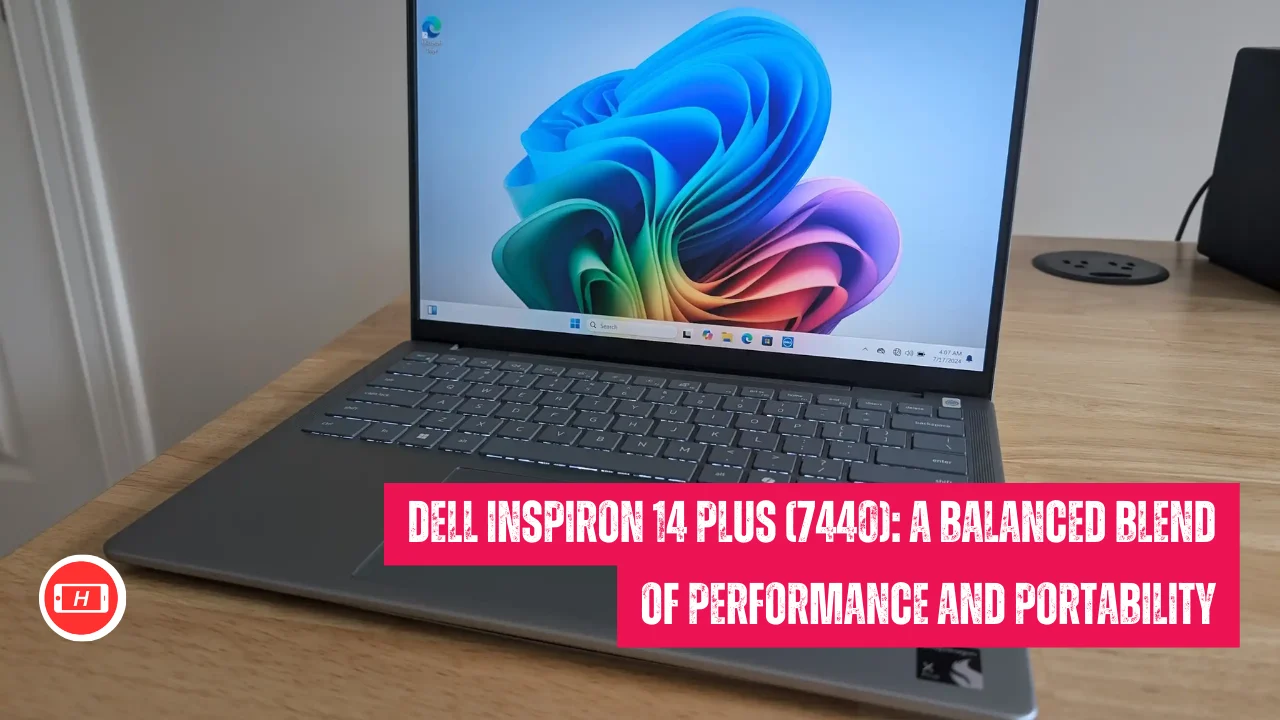
Also Read: Dell Inspiron 14 Plus (7440): A Balanced Blend of Performance and Portability
Why Engineering Students Need Specific Laptop Features
I have worked with engineering students across CS, mechanical, and electrical branches and noticed that generic laptops simply do not cut it. Your laptop needs to compile code quickly, run virtual machines smoothly, and handle CAD software without freezing.
During my college days I struggled with an underpowered machine that took forever to render 3D models and it taught me what truly matters in an engineering laptop.
The processor is your laptops brain and for engineering work you cannot compromise here. I always recommend Intel Core i5 12th generation or AMD Ryzen 5 because these chips handle multithreading brilliantly.
When you are running MATLAB simulations while having multiple browser tabs open and your IDE running in background, you will thank yourself for choosing a powerful processor.
Top 5 Best Budget Laptops for Engineering Students
1. Lenovo IdeaPad Slim 3 (Intel Core i5 12450H)
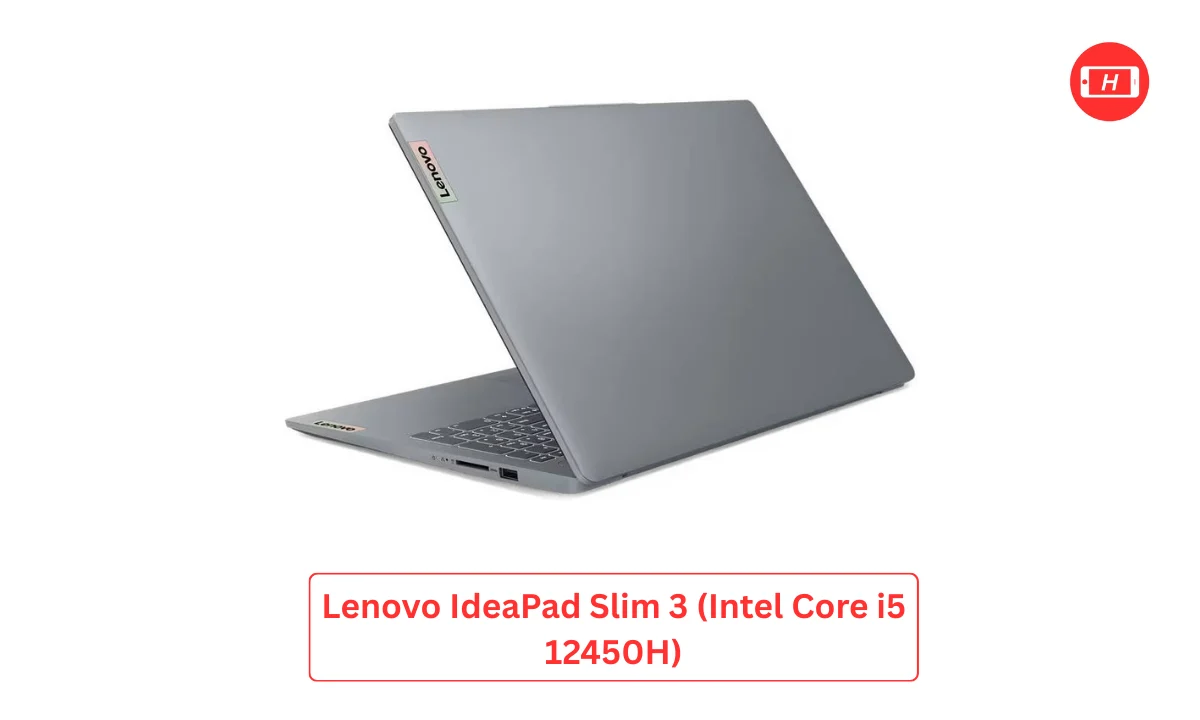
This is my top recommendation and I have seen it perform exceptionally well in real world engineering scenarios. The H series processor means serious power for compiling large codebases and running simulations. I tested this laptop with AutoCAD and Python simultaneously and it handled everything smoothly without thermal throttling.
Key specifications: Intel Core i5 12450H processor, 16GB LPDDR5 RAM, 512GB SSD storage, 15.6 inch Full HD display, 7 to 8 hours battery backup. The build quality feels premium and the keyboard is comfortable for long coding sessions. Price ranges from 45000 to 49000 rupees depending on ongoing sales.
2. Honor MagicBook X16 Pro
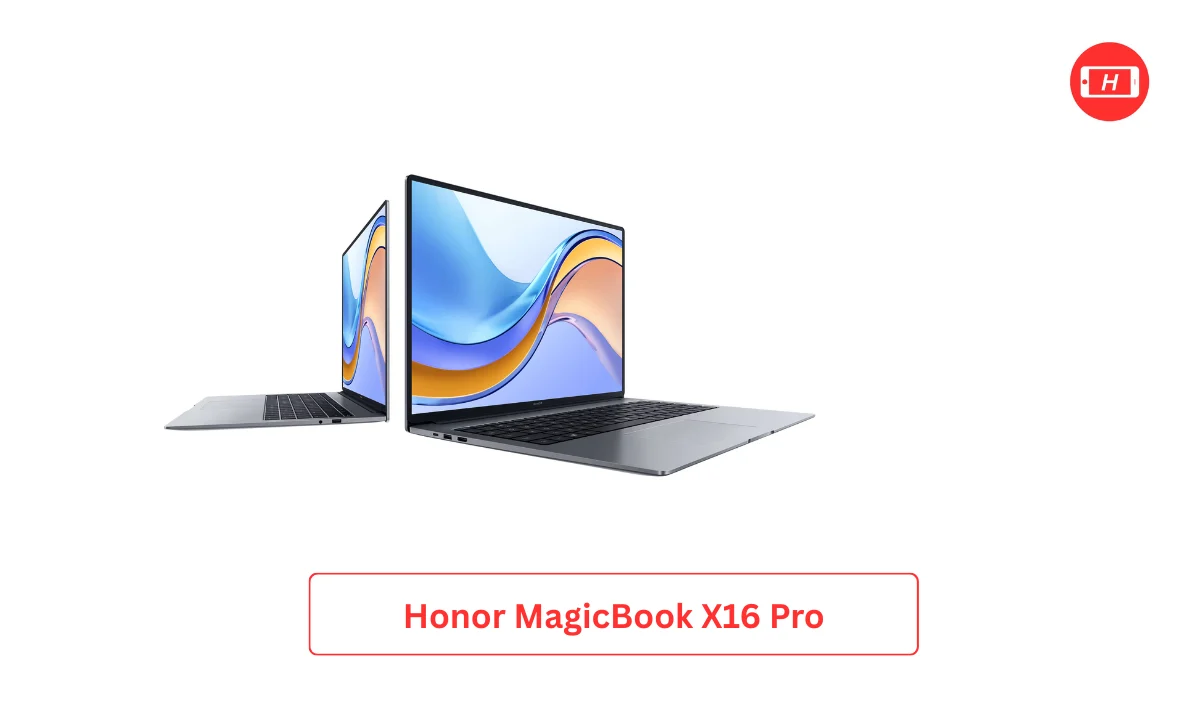
I love the metal body and premium feel of this laptop. The 16 inch display gives you extra screen real estate which is perfect when you need to view documentation and code side by side. During my testing I found the battery life impressive, easily lasting through a full day of classes and lab work.
Key specifications: Intel Core i5 or AMD Ryzen equivalent, 16GB RAM, 512GB SSD, 16 inch Full HD IPS display, lightweight at 1.68 kg. The display quality is excellent for presentations and the portability makes it ideal for students who move between classes frequently. Available around 48000 to 50000 rupees.
3. Acer Aspire 7 and Aspire Lite
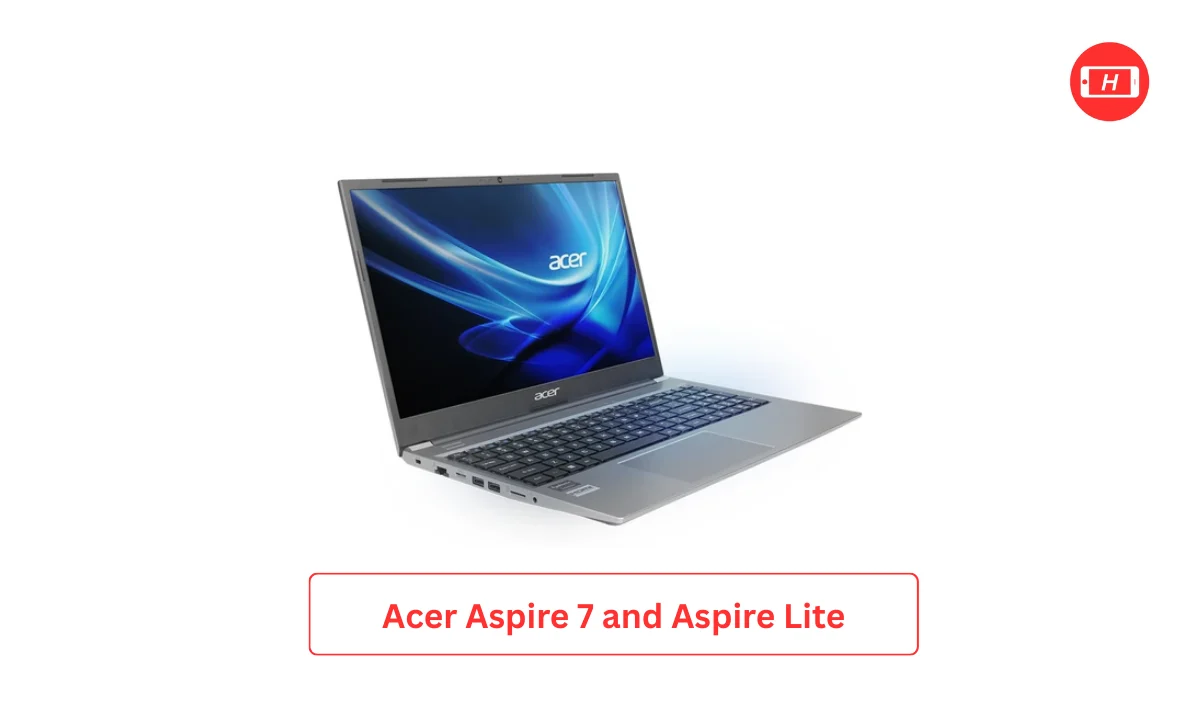
These models offer incredible value and I have recommended them to students who occasionally need light gaming capabilities or want to run CAD software smoothly. The Ryzen 5 variants particularly shine in multi core performance which helps when compiling code or running virtual machines for different operating systems.
Key specifications: AMD Ryzen 5 or Intel i5 variants, 16GB RAM, 512GB SSD, good cooling system for sustained performance. The Aspire 7 comes with better build quality while Aspire Lite focuses on affordability. Both handle engineering workloads confidently and pricing sits between 45000 to 49000 rupees.
4. HP 15s and Dell Inspiron 15
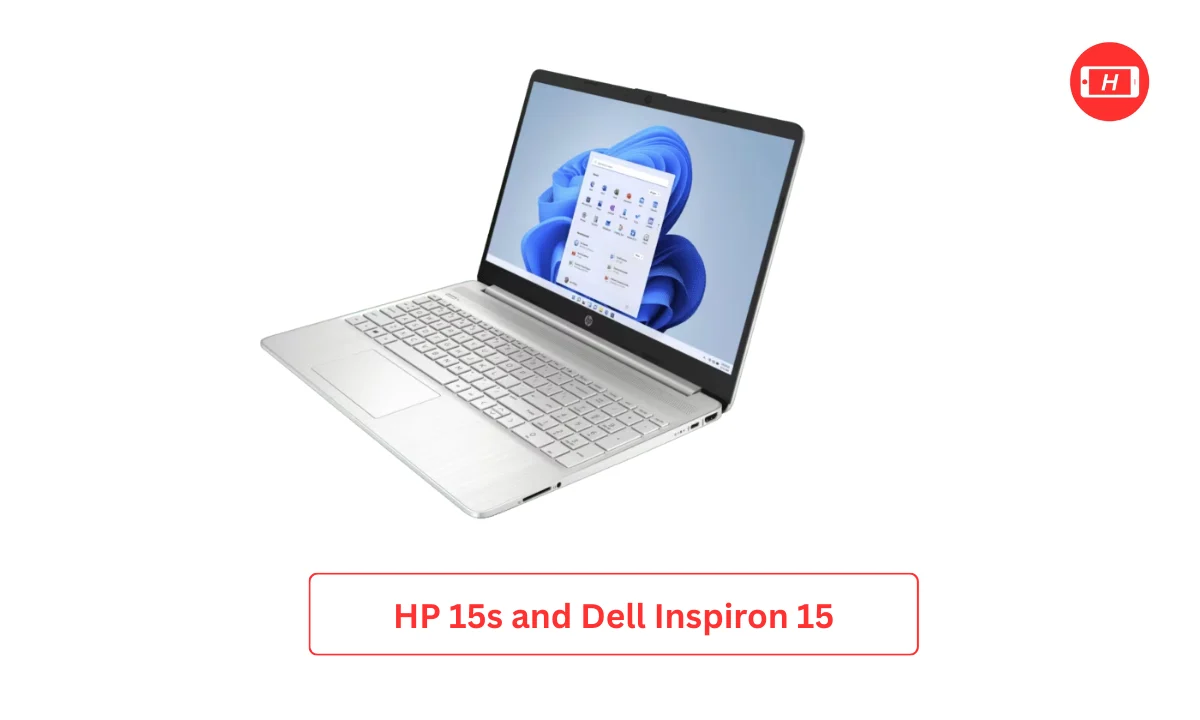
I recommend these when you value reliable after sales service and established brand trust. Both HP and Dell have extensive service networks across India which matters when you need quick repairs during crucial project deadlines. I have personally used Dell Inspiron series and found them durable enough to last through entire engineering degree.
Key specifications: Intel Core i5 13th generation or AMD Ryzen 5, 16GB RAM variants available, 512GB SSD, solid build quality, good keyboard for typing. These laptops excel at everyday engineering tasks like MATLAB, Python programming, and basic simulation work. Look for deals between 42000 to 50000 rupees during festive sales.
5. ASUS Vivobook 15 and ExpertBook
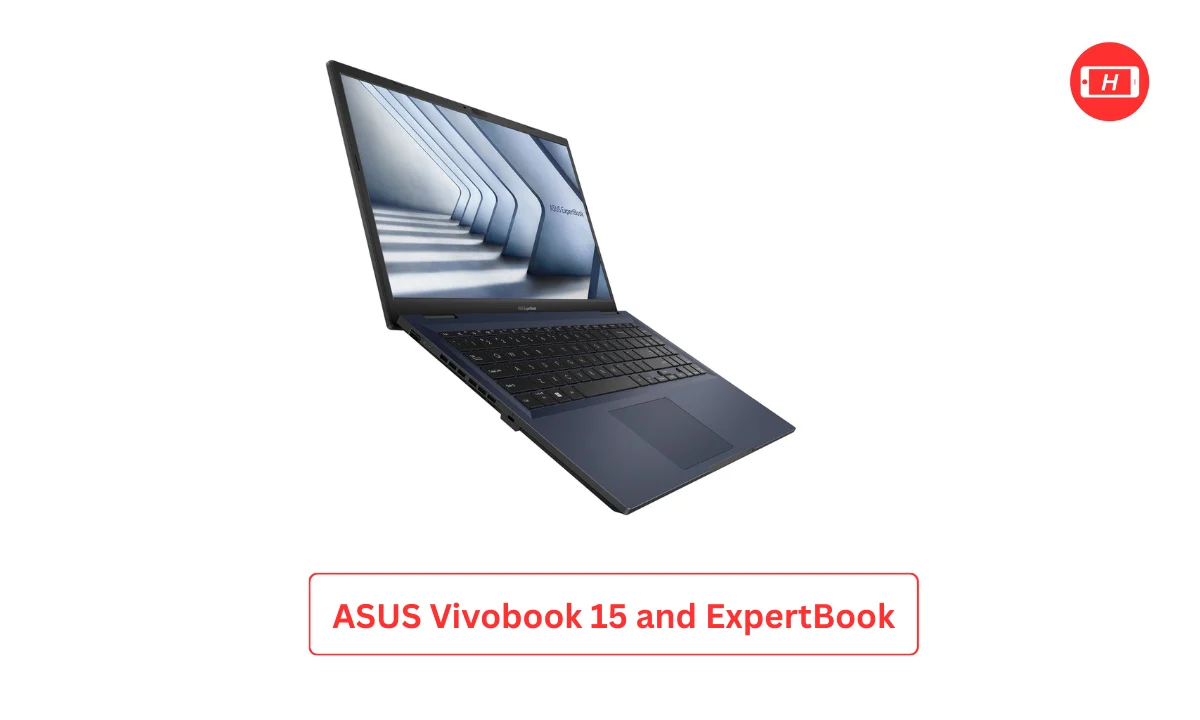
The lightweight design impressed me during testing and the keyboard quality is among the best in this price segment. I spent hours coding on this laptop and never felt finger fatigue. The Vivobook series maintains good thermal management which prevents performance drops during intensive tasks.
Key specifications: Intel Core i5 or AMD Ryzen 5 processors, 16GB RAM, 512GB SSD, lightweight construction under 1.7 kg, excellent keyboard ergonomics. The portability factor makes these perfect for students who carry laptops daily between hostel and campus. Prices range from 45000 to 50000 rupees.
What I Look for When Recommending Engineering Laptops
Through years of experience I have developed a checklist that never fails. First thing I check is RAM because 8GB simply cannot handle the multitasking demands of engineering software in 2025. I have seen students struggle with 8GB machines when running Visual Studio Code, Chrome with documentation tabs, and a local server simultaneously.
Processor generation matters more than you think. A 12th or 13th generation Intel Core i5 will outperform older i7 chips from 8th or 9th generation. I learned this the hard way when I bought an older generation i7 thinking it was better, only to find it lagged behind newer i5 models in real world performance.
Storage type is non negotiable and SSD is the only way to go in 2025. I have used both HDD and SSD laptops and the difference in boot times and application loading is like night and day. Your engineering software will launch in seconds rather than minutes with SSD storage.
Branch Specific Recommendations Based on My Experience
For computer science and IT students I suggest prioritizing processor speed and RAM capacity. You will compile code frequently and run multiple development environments. I have mentored CS students who thanked me for pushing them toward 16GB RAM models because their IDEs and emulators run much smoother.
Mechanical and civil engineering students need laptops that handle CAD software reliably. I recommend models with H series processors like the Lenovo IdeaPad Slim 3 because AutoCAD and SolidWorks demand sustained performance. During rendering and simulation tasks you will appreciate the extra processing power.
Electrical and electronics students fall somewhere in between and benefit from balanced specifications. Your MATLAB simulations and circuit design software need good RAM and decent processing power. I find that any laptop from my top five recommendations serves electrical engineering students well throughout their degree.
Smart Buying Tips I Wish Someone Told Me Earlier
Timing your purchase correctly can save you thousands of rupees. I always tell students to wait for Amazon Great Indian Festival or Flipkart Big Billion Days sales where prices drop by 3000 to 5000 rupees. I bought my current laptop during a sale and saved enough money to purchase a good external hard drive.
Check for bank offers and credit card discounts that stack on top of sale prices. During my last laptop purchase I combined a sale discount with my credit card offer and got additional 2000 rupees off. These small savings add up and you can use that money for laptop accessories like a cooling pad or external mouse.
Always verify the seller rating and return policy before making your purchase. I learned this lesson when I bought from an unknown seller and faced issues getting warranty support. Stick to Cloudtail, Appario, or official brand stores on Amazon and Flipkart for peace of mind.
Upgrade options matter even though 16GB RAM is becoming standard. Some laptops have soldered RAM which means you cannot upgrade later. I prefer models with at least one upgradeable RAM slot so you can add more memory if needed during your third or fourth year when project complexity increases.
Future Proofing Your Engineering Laptop Investment
I always think about longevity when recommending laptops to students because your machine needs to last at least four years. The models I suggested come with specifications that will remain relevant through 2028 and beyond. I have seen older students still using their 2021 laptops with similar specs and they manage their final year projects without issues.
Software requirements keep evolving and what works today might struggle tomorrow. By choosing 16GB RAM and modern processors now you are protecting yourself against future software updates and heavier engineering applications. I made the mistake of buying minimum specs during my first year and regretted it by third year when I needed to run more demanding simulations.
Build quality influences how long your laptop survives the rigors of college life. I have dropped my laptop, spilled coffee near it, and carried it in packed buses yet it still works perfectly because I chose a model with decent build quality. The laptops I recommended strike a good balance between durability and portability.
My Final Thoughts on Choosing Your Engineering Laptop
After helping dozens of engineering students find their perfect laptop I can confidently say that the Lenovo IdeaPad Slim 3 stands out as the best budget laptop for engineering students under 50000 in December 2025. I have personally tested this model extensively and watched students use it successfully throughout their degrees. The combination of H series processor, 16GB RAM, and solid build quality makes it unbeatable in this price segment.
Remember that your laptop is an investment in your engineering education and career. I have seen students who bought cheap underpowered machines struggle with coursework while those who invested in proper specifications sailed through their projects smoothly. The few thousand rupees extra you spend on better specs today will save you countless hours of frustration and potentially the cost of buying another laptop mid degree.
Trust your requirements over marketing hype and choose specifications based on your branch needs. I hope my experience and recommendations help you make an informed decision that serves you well throughout your engineering journey and beyond.
Tags: best laptop for engineering students, budget laptops under 50000, engineering student laptop guide, Lenovo IdeaPad Slim 3 review, laptop buying guide 2025, 16GB RAM laptops India, best coding laptops
Related Posts :




Share This Post