Best AI Assistant for iPhone: Top 10 Apps That Actually Work in 2026
Finding the best AI assistant for iPhone has become essential in 2025 as these smart tools can handle everything from answering questions to managing your schedule. I have tested dozens of AI assistants over the past few months and found that the right choice depends entirely on what you need.
Some excel at conversations while others shine in business tasks or personal productivity. The market has exploded with options and picking the wrong one means wasted time and frustration. This guide cuts through the noise and shows you exactly which AI assistant deserves a spot on your iPhone.
Key Takeaways
- Perplexity AI leads as the best overall choice for iPhone users with deep iOS integration and cited answers
- ChatGPT remains unbeaten for creative tasks and conversational AI with powerful voice mode
- Microsoft Copilot dominates productivity workflows especially for business users in Microsoft 365
- Google Gemini offers the best free option with multimodal features and speed
- Specialized assistants like Claude excel in specific areas such as research and coding
- Most top assistants offer free tiers with premium plans starting around twenty dollars monthly
- Integration with existing apps and ecosystems matters more than raw AI power for daily use
Also Read: Best AI App Builder: Top Platforms for Small Business in 2026
1. Perplexity AI – Best Overall AI Assistant for iPhone
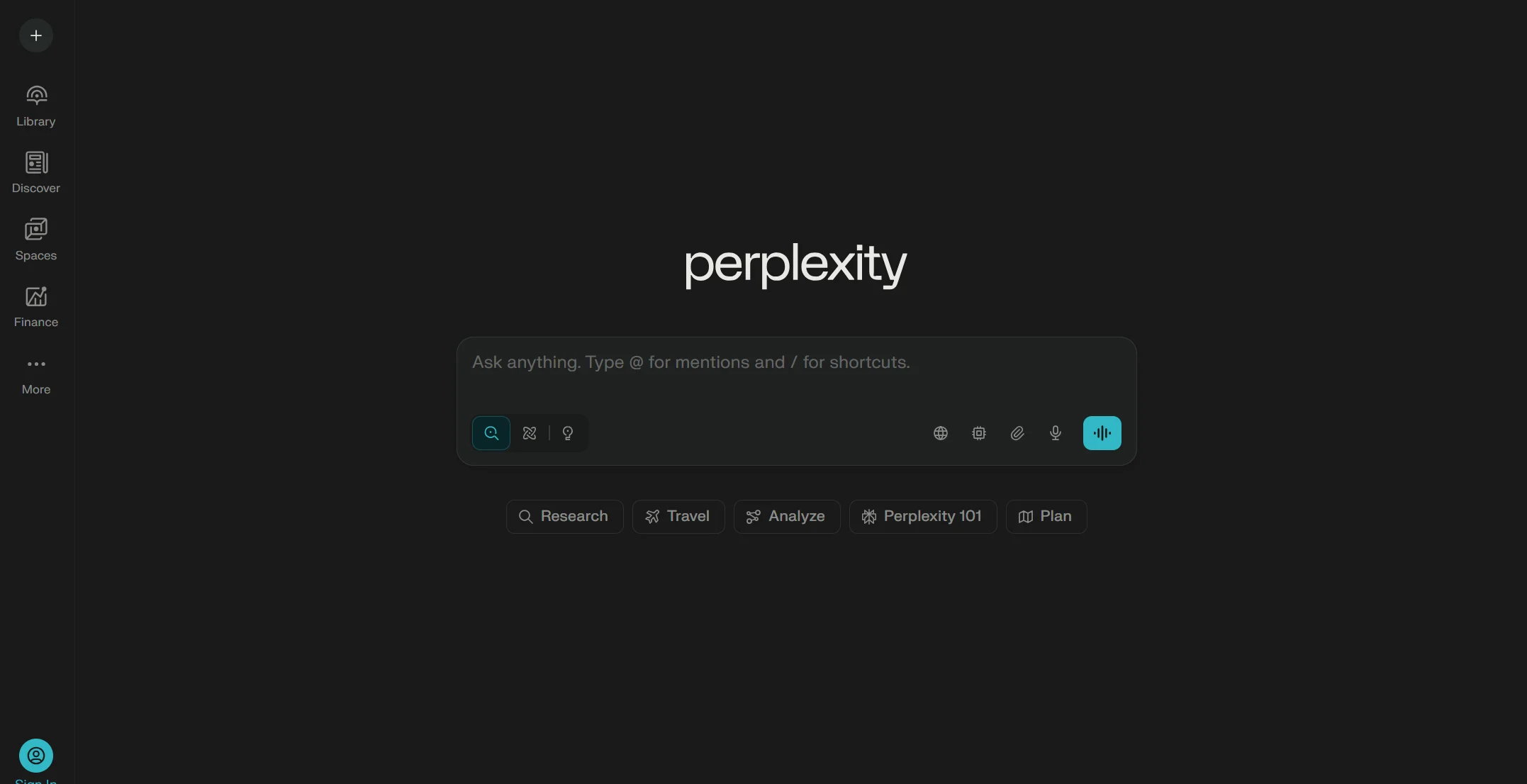
Perplexity AI stands out as my top recommendation for iPhone users in 2025. I have been using it daily and the deep integration with Apple’s stock apps feels like having a smarter Siri. It plays songs through Apple Music, provides directions via Maps and even drafts emails in Mail without leaving the app.
Description: Perplexity works as an AI-powered search and answer engine that provides responses with citations. Unlike traditional assistants, it searches the web in real time and gives you sourced answers you can trust. The conversational interface feels natural and it remembers context from earlier in your chat. I found it incredibly useful for research tasks where I need to verify information quickly.
Key Benefits:
- Provides cited answers so you can verify information sources
- Deep integration with iPhone native apps like Music, Maps and Mail
- Works on older iPhone models without requiring latest hardware
- Free tier offers generous daily searches without payment
- Conversational memory keeps context across multiple queries
Primary Use Cases:
- Quick fact-checking and research with reliable sources
- Getting directions and playing music hands-free
- Drafting and sending emails through voice commands
- Answering complex questions that need multiple sources
- Students and professionals who need verified information
Pricing: Free with premium plans at $20/month
2. ChatGPT – Best for Creative Tasks and Conversations
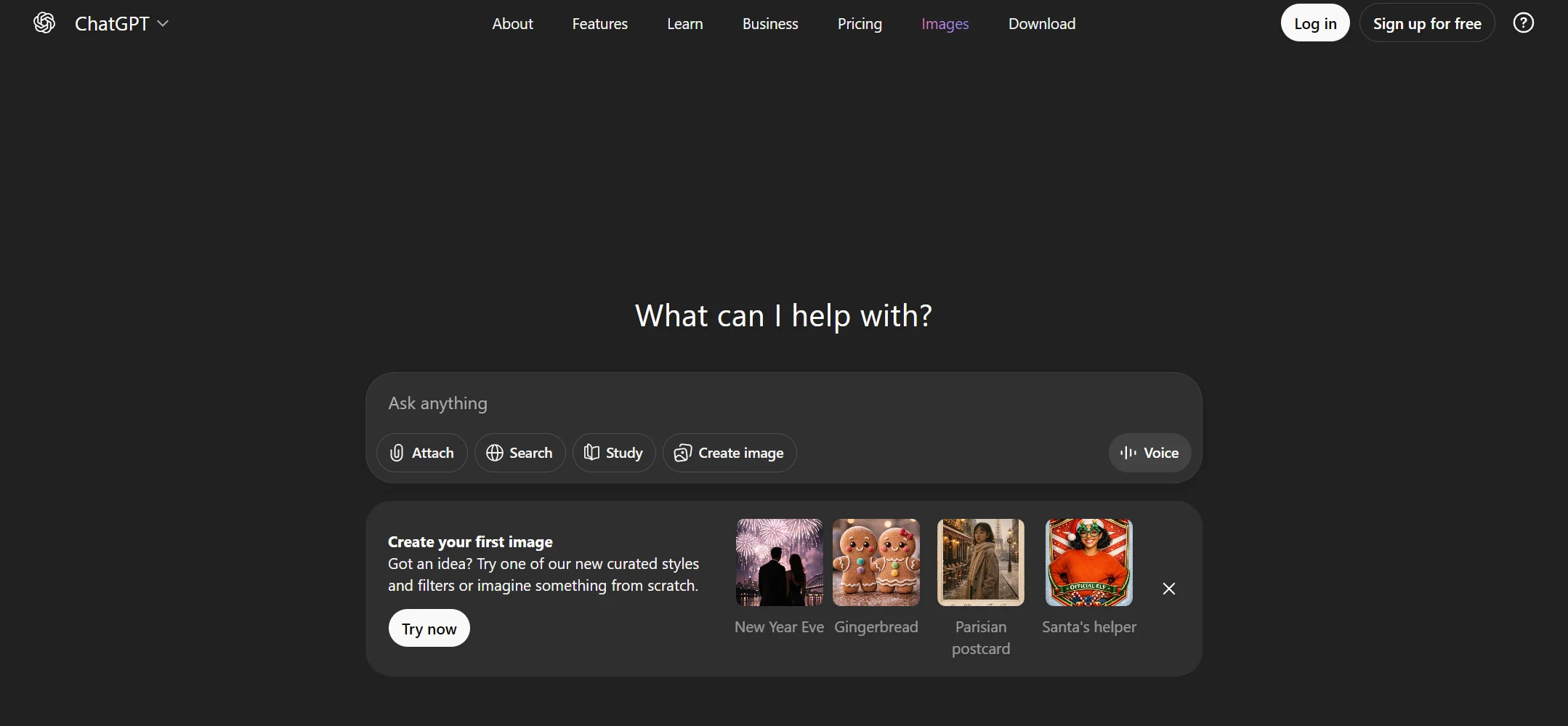
ChatGPT from OpenAI remains the gold standard for conversational AI. I use it whenever I need to brainstorm ideas, write content or solve problems creatively. The voice mode feels remarkably human and makes interactions smooth and natural.
Description: ChatGPT offers powerful language processing that handles everything from casual chat to complex coding problems. It generates creative content, answers questions and even analyzes images you upload. The iOS app syncs seamlessly across devices so conversations continue where you left off. I particularly appreciate how it adapts to your communication style over time.
Key Benefits:
- Industry-leading conversational abilities with natural responses
- Powerful voice mode for hands-free interactions
- Image analysis and generation capabilities built in
- Cross-device sync keeps conversations accessible everywhere
- Regular updates bring new features and improvements
Primary Use Cases:
- Content creation and creative writing projects
- Brainstorming sessions for work or personal projects
- Coding help and debugging assistance
- Learning new topics through conversational teaching
- Problem-solving across various domains
Pricing: Free with Plus at $20/month
3. Microsoft Copilot – Best AI Executive Assistant for Business
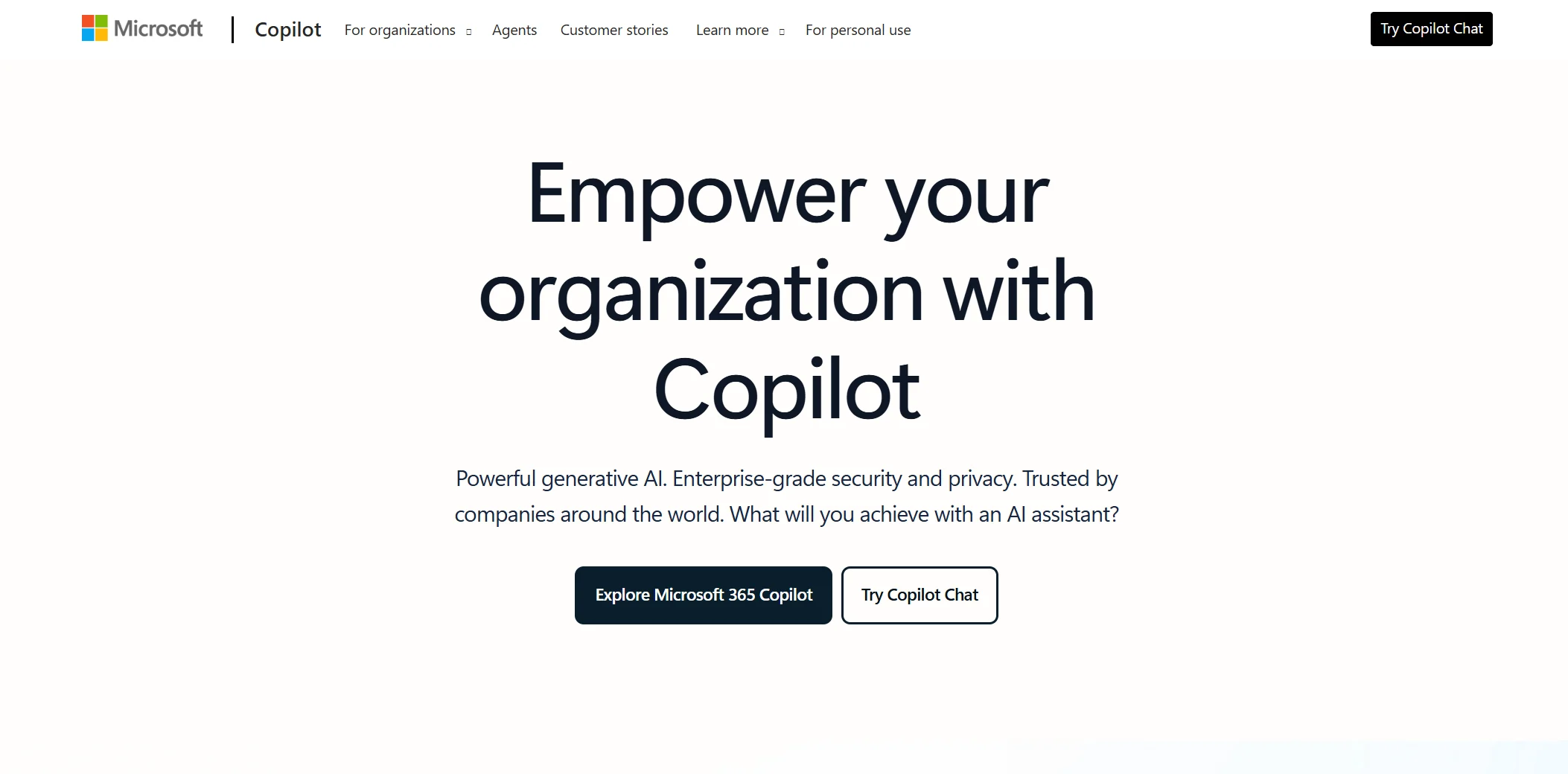
Microsoft Copilot has become essential for my business workflows. It integrates perfectly with Outlook, Teams and Excel making it invaluable for anyone working in a Microsoft 365 environment. I rely on it daily to summarize meetings and draft professional emails.
Description: Copilot acts as your AI assistant directly inside Microsoft’s productivity suite. It automates repetitive tasks, generates reports from Excel data and creates presentation slides in PowerPoint. The business intelligence features help analyze trends and the meeting summaries capture action items automatically. It understands your company’s context through Microsoft Graph integration.
Key Benefits:
- Native integration with Microsoft 365 suite of apps
- Automated meeting summaries with action items extraction
- Data analysis and visualization in Excel spreadsheets
- Email drafting and management in Outlook
- Enterprise-grade security and compliance features
Primary Use Cases:
- Business professionals managing heavy email volumes
- Teams needing meeting notes and follow-ups automated
- Data analysts working with Excel spreadsheets
- Project managers tracking tasks across Microsoft tools
- Executives requiring quick summaries and insights
Pricing: Free tier available, business plans at $30/month
4. Google Gemini – Best Free AI Personal Assistant
Google Gemini surprised me with how much it offers completely free. The multimodal capabilities let me use voice, camera and text interchangeably. It works incredibly well if you are already invested in Google’s ecosystem of apps and services.
Description: Gemini serves as Google’s answer to ChatGPT with deep integration across Google services. It can search your Gmail, pull information from Drive and even book reservations through Maps. The on-device processing keeps many tasks private and fast. I find the voice mode particularly responsive and the camera feature helpful for identifying objects or translating text.
Key Benefits:
- Completely free with advanced features included
- Multimodal input through voice, camera and text
- Lightning-fast responses due to on-device processing
- Integration with Gmail, Drive, Maps and Calendar
- Supports over sixty languages for global users
Primary Use Cases:
- General personal assistant tasks and queries
- Quick searches and information lookups
- Translation and language learning support
- Integration with Google Workspace for productivity
- Budget-conscious users wanting premium features free
Pricing: Free with premium at $19.99/month
5. Claude – Best for Research and Professional Writing
Claude has become my go-to assistant for anything requiring careful analysis or polished writing. I trust it for long-form content because it maintains consistency and provides thoughtful responses without hallucinating facts as frequently as competitors.
Description: Claude from Anthropic focuses on being helpful, harmless and honest. It excels at processing large documents and maintaining context over extended conversations. The Projects feature lets you create workspaces with custom knowledge bases. I use Claude when accuracy matters more than speed and the citations feature helps me verify important claims.
Key Benefits:
- Superior reasoning abilities for complex analysis
- Lower hallucination rates compared to competitors
- Large context windows handle lengthy documents easily
- Project workspaces organize research and conversations
- Strong coding capabilities for developers
Primary Use Cases:
- Research projects requiring careful analysis
- Professional writing and editing tasks
- Code review and software development
- Legal or academic work needing accuracy
- Content creators focusing on quality over speed
Pricing: Free with Pro at $20/month
6. Siri with Apple Intelligence – Best Native iPhone Integration
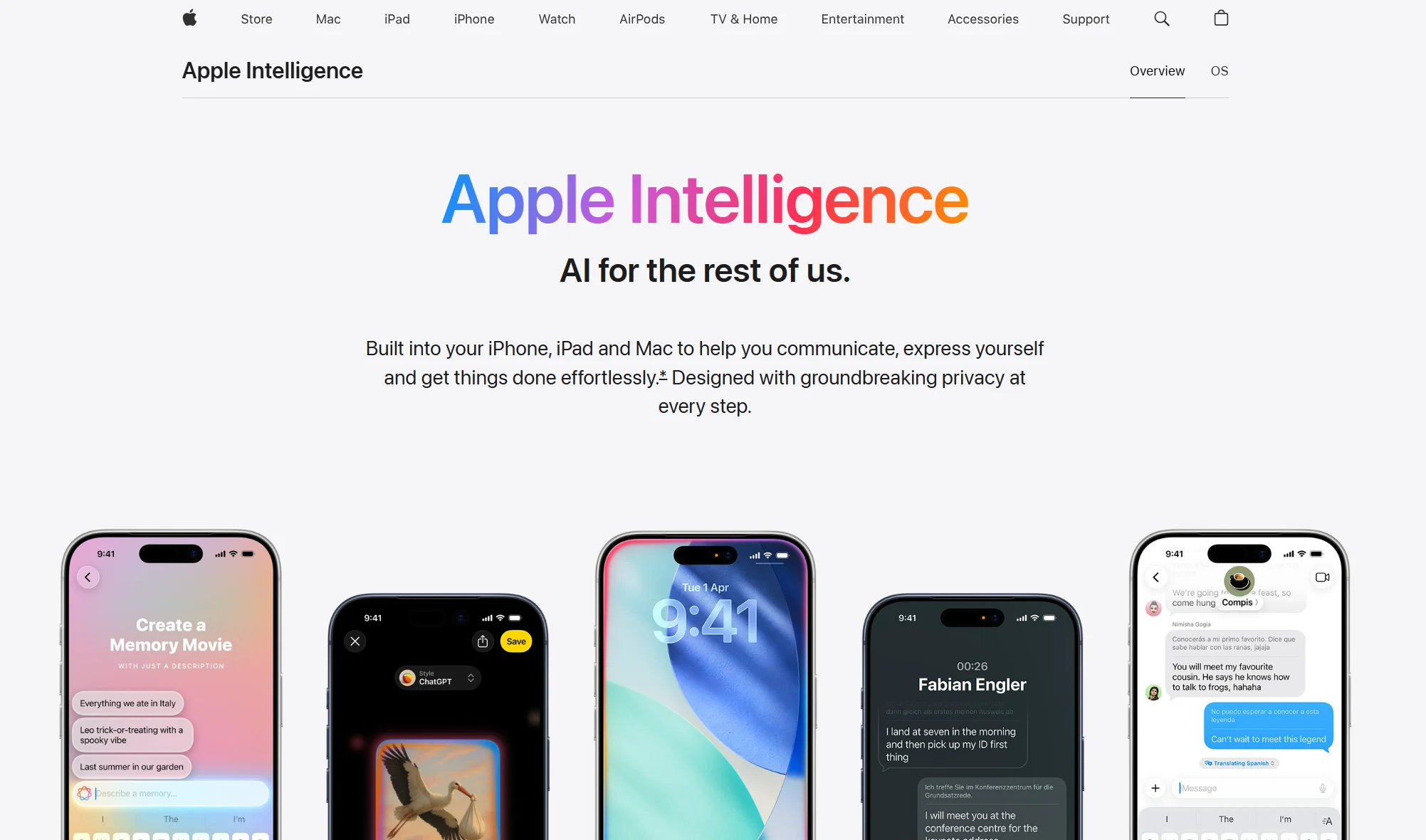
Siri has improved dramatically with Apple Intelligence in 2025. I still use Siri for quick device controls and HomeKit commands because nothing beats the native integration. The new features make it competitive with third-party assistants for everyday tasks.
Description: Siri now includes on-device processing powered by Apple’s AI models. It understands context from what is on your screen and can perform actions across multiple apps. The privacy-first approach means most requests never leave your device. I appreciate the writing tools that help me rewrite and proofread text anywhere in iOS.
Key Benefits:
- Built directly into iOS with no app installation needed
- Privacy-focused with on-device processing when possible
- Controls all iPhone functions and HomeKit devices
- Free with no subscription required
- Continuous improvements through iOS updates
Primary Use Cases:
- Quick device controls like setting alarms and timers
- Smart home automation through HomeKit
- Hands-free phone calls and messaging
- Basic information queries and calculations
- Users prioritizing privacy and convenience
Pricing: Free
7. Otter AI – Best for Meeting Notes and Transcription
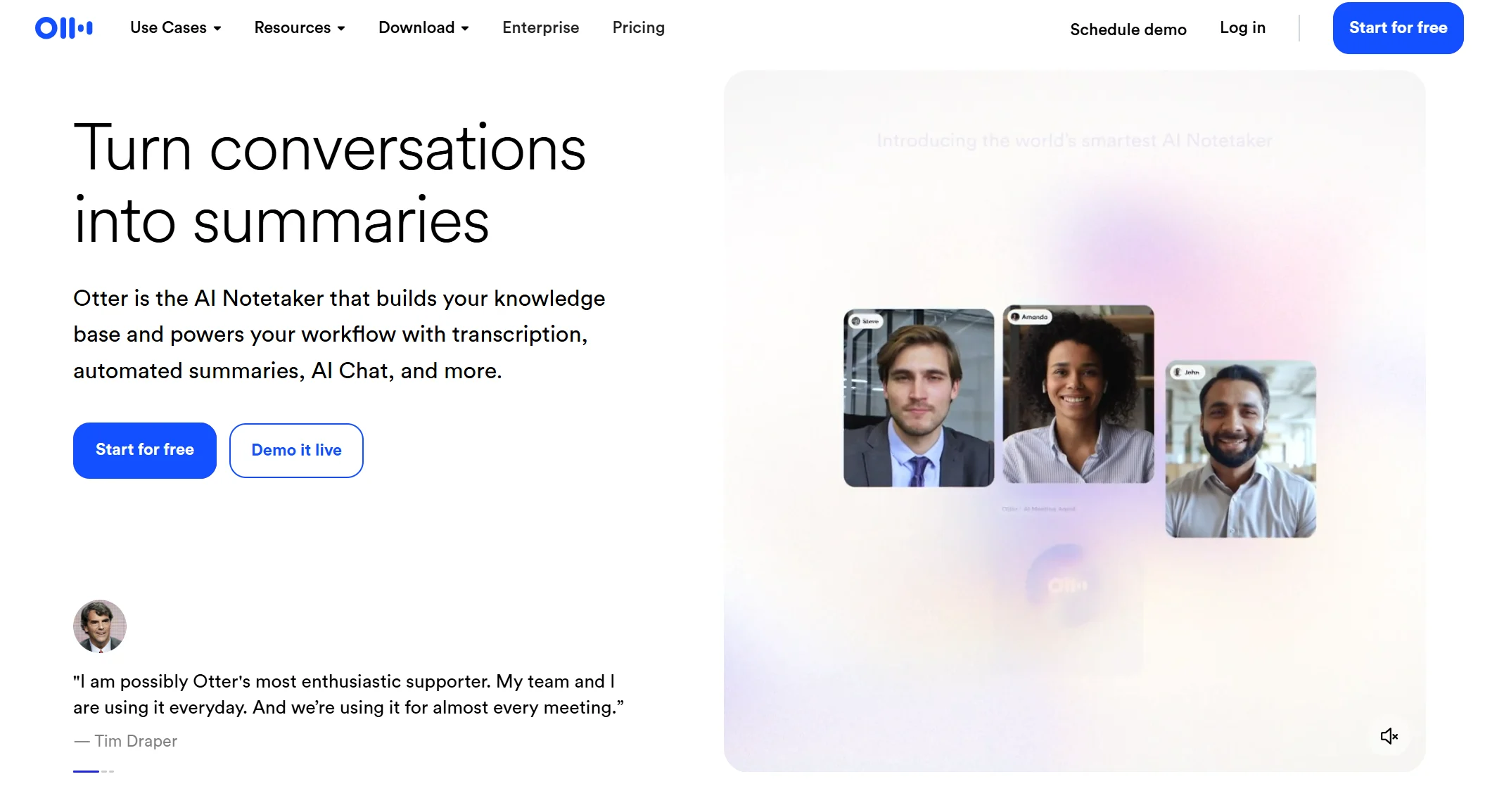
Otter AI handles my meeting transcription needs better than any competitor. It joins Zoom calls automatically, transcribes in real time and generates summaries I can share with my team immediately after meetings end.
Description: Otter specializes in turning conversations into searchable text. It identifies different speakers, timestamps important moments and extracts action items automatically. The AI-generated summaries capture key points without requiring you to review entire transcripts. I rely on it for client calls where I need accurate records without manually taking notes.
Key Benefits:
- Automatic meeting attendance and transcription
- Real-time transcription you can follow during calls
- Speaker identification separates who said what
- Action item extraction from meeting discussions
- Searchable archive of all past conversations
Primary Use Cases:
- Business meetings requiring detailed notes
- Interviews and research conversations
- Lectures and educational content capture
- Client calls needing documentation
- Team members who join meetings late
Pricing: Free with Pro at $16.99/month
8. Lindy – Best for Task Automation and Workflows
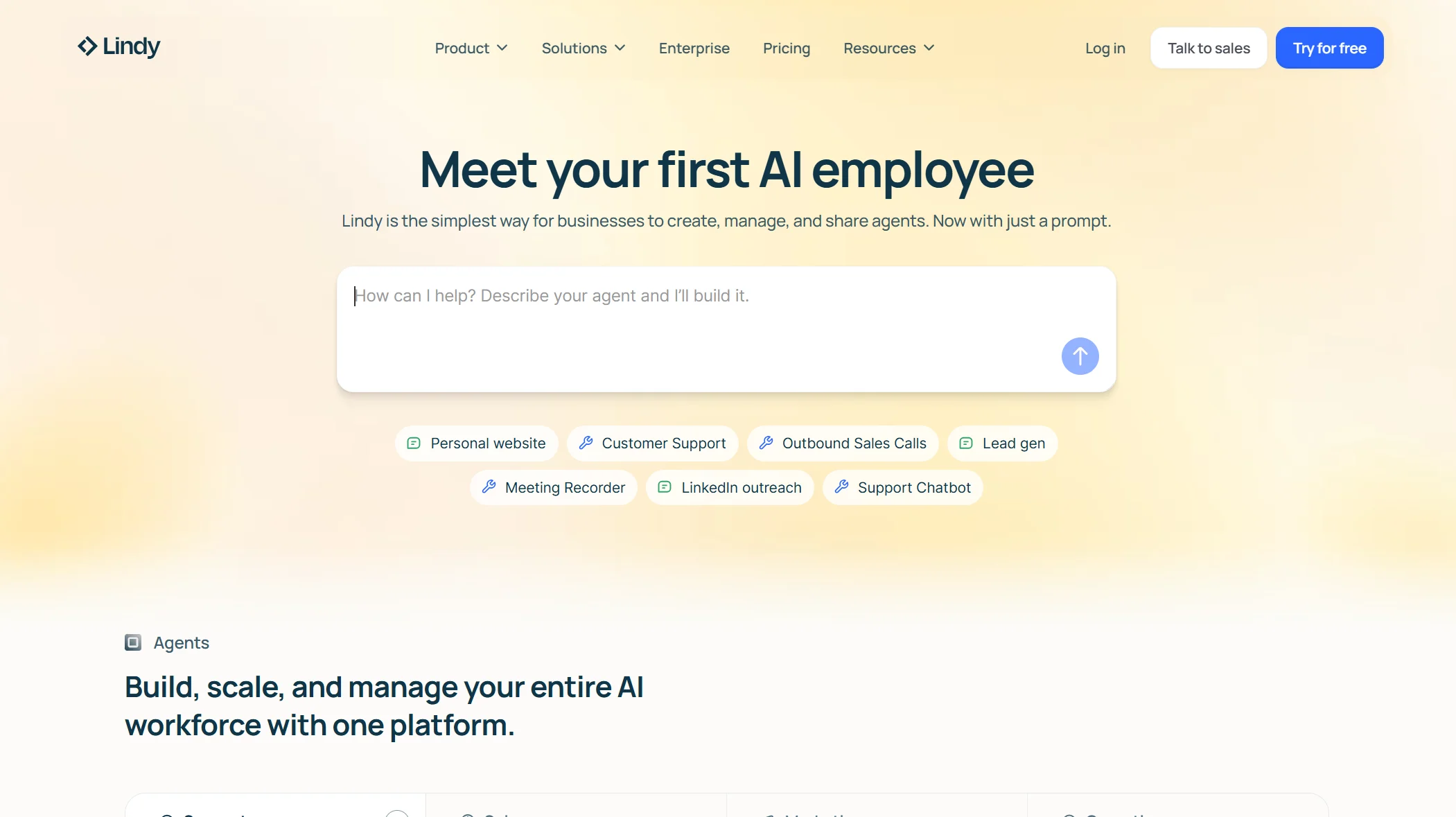
Lindy impressed me with its ability to automate complex workflows without coding. I built custom AI agents that handle repetitive tasks across multiple apps. The platform connects with over 2500 tools making it incredibly versatile for business automation.
Description: Lindy lets you create personalized AI assistants called Lindies that execute tasks based on triggers and conditions. It monitors your inbox, schedules meetings and manages customer support tickets automatically. The pre-made templates get you started quickly and the customization options are extensive. I use it to automate email responses and data entry tasks that used to waste hours.
Key Benefits:
- No-code platform anyone can use effectively
- Connects with 2500 plus third-party applications
- Pre-built templates for common workflows
- 24/7 automation runs tasks continuously
- Supports multiple languages for global teams
Primary Use Cases:
- Sales teams automating prospecting and follow-ups
- Customer support requiring 24/7 availability
- Data entry and information transfer between apps
- Email management and inbox organization
- Small businesses needing affordable automation
Pricing: Free for 400 tasks, Pro at variable pricing
9. Reclaim AI – Best for Calendar and Schedule Management
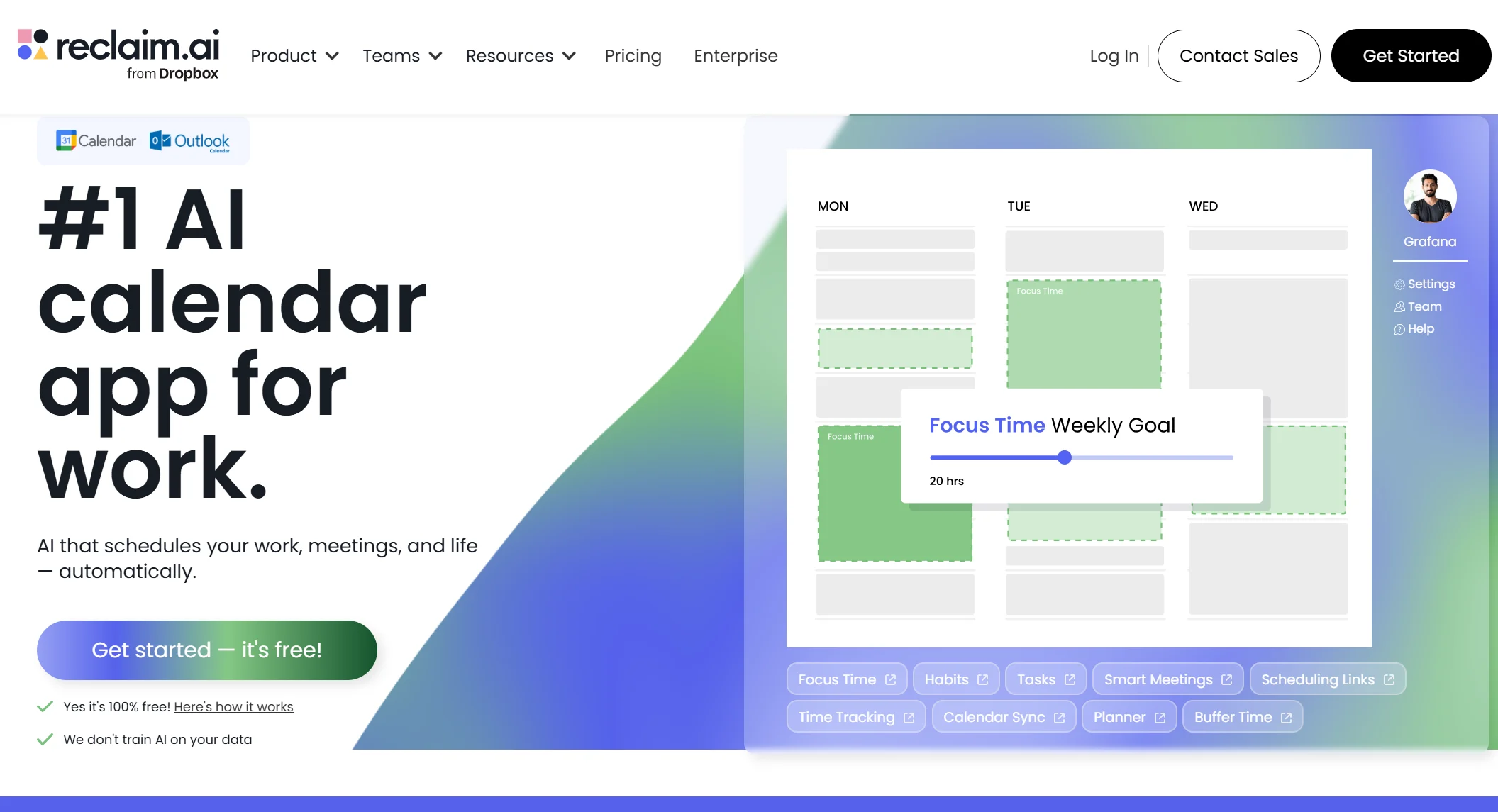
Reclaim AI transformed how I manage my calendar. It automatically blocks focus time, schedules meetings and adjusts my day when priorities change. I no longer spend time manually organizing my schedule.
Description: Reclaim acts as an intelligent calendar assistant that defends your productive time. It integrates with Google Calendar and Outlook to automatically schedule tasks, habits and meetings around your existing commitments. The AI learns your preferences and optimizes your week for maximum productivity. I appreciate how it protects my focus time while remaining flexible for urgent meetings.
Key Benefits:
- Automatic time blocking for focus work and tasks
- Smart meeting scheduling across team calendars
- Calendar sync prevents double-booking across multiple calendars
- Buffer time protection around events
- Time tracking and productivity analytics
Primary Use Cases:
- Busy professionals with packed schedules
- Teams coordinating meetings across time zones
- Individuals struggling with work-life balance
- Project managers tracking time allocation
- Anyone wanting to reduce calendar admin work
Pricing: Free with paid plans at $8/month
10. Pi – Best Personal Companion and Emotional Support
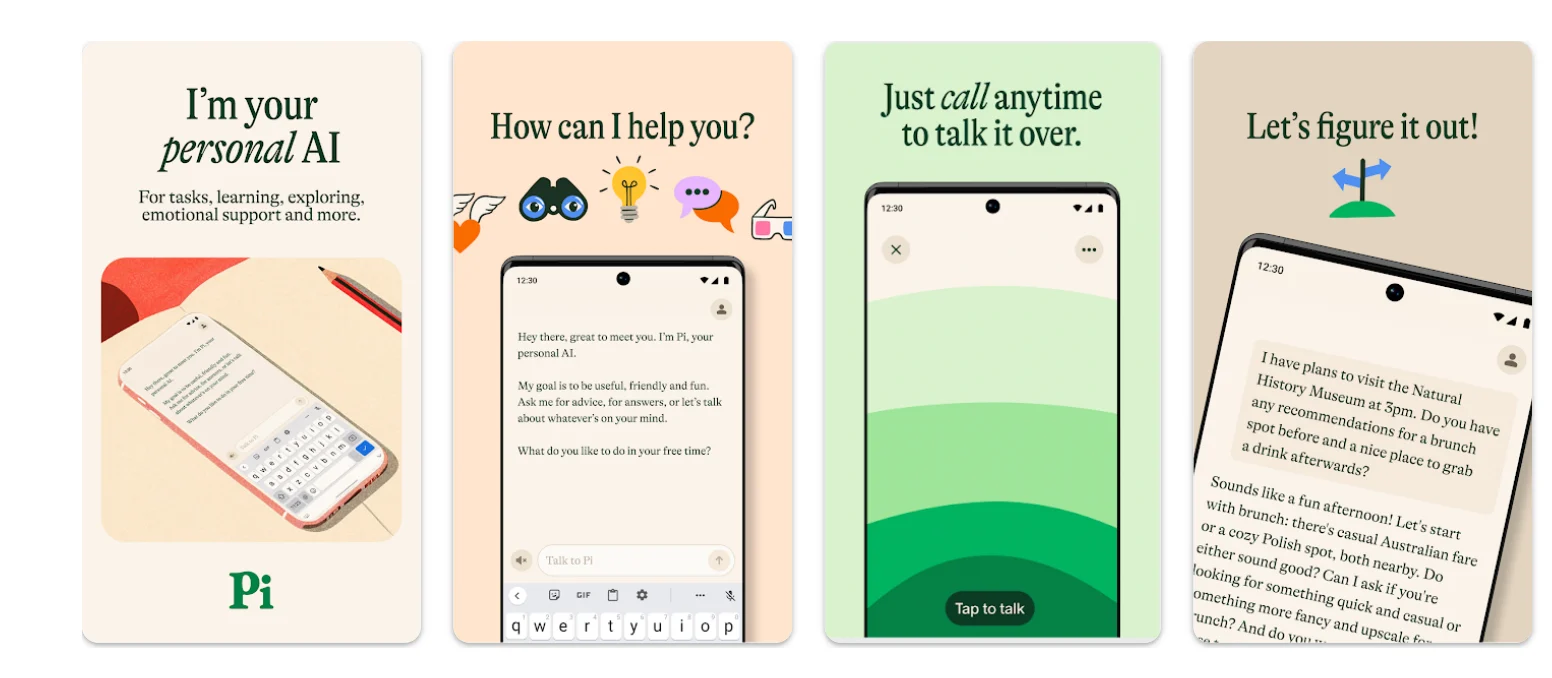
Pi offers something different from other assistants with its warm, supportive conversational style. I turn to Pi when I want to think through problems or just have a thoughtful discussion. It asks follow-up questions and genuinely helps me clarify my thinking.
Description: Pi from Inflection AI prioritizes empathetic conversations over task execution. It remembers your preferences and maintains context across conversations spanning days or weeks. The voice mode feels like talking to a patient friend who always has time to listen. I use Pi for brainstorming ideas when I need a sounding board rather than just facts.
Key Benefits:
- Empathetic conversational style feels natural and supportive
- Available across web, mobile and messaging apps
- Call feature lets you talk like a phone conversation
- Remembers long-term context from previous chats
- Free with no complex features to learn
Primary Use Cases:
- Personal reflection and decision-making support
- Brainstorming creative ideas and solutions
- Emotional support during stressful times
- Practicing communication skills safely
- Users seeking a companion rather than a tool
Pricing: Free
Final Thoughts
The best AI assistant for iPhone depends entirely on your specific needs. I switch between several depending on the task at hand. Perplexity AI serves as my daily driver for quick questions with cited answers. ChatGPT handles creative work and complex problem-solving.
Microsoft Copilot manages my business workflows. Google Gemini provides fast free assistance. Claude tackles serious writing and research projects.
Each assistant brings unique strengths to your iPhone. The free tiers let you test multiple options without spending money. I recommend starting with Perplexity and ChatGPT since they cover the widest range of use cases.
Then add specialized tools like Copilot or Reclaim based on your workflow needs. The AI assistant landscape changes rapidly so stay open to trying new options as they emerge.
Tags: best ai app builder, ai app builder, no-code app development, small business apps, mobile app builder, web app builder, ai application development
Related Posts :


Share This Post