Best AI for PPT Generation: Top 12 Tools That Actually Work in 2025
Best AI for PPT Generation: Top 12 Tools That Actually Work in 2025
Creating presentations used to take hours. You had to design slides one by one and search for the right images and charts. Now the best AI for PPT generation can do all that work in minutes. These tools use artificial intelligence to create complete slide decks from simple text prompts. You just describe what you need and the AI builds professional presentations with content, visuals and proper formatting.
Key Takeaways
- Gamma AI leads as the top choice for modern web style presentations with excellent content depth
- Plus AI works best for users who want to stay inside PowerPoint or Google Slides
- GenPPT offers the most advanced research capabilities with latest AI models
- Most tools provide free trials so you can test before buying
- Professional quality presentations now take under 5 minutes to generate
- Export options include PowerPoint, PDF and Google Slides formats
- AI generated content still needs human review and customization
Also Read: Realme 16 Pro Launch in India: Everything You Need to Know About the Portrait Master Phone
What Makes AI Presentation Tools Different
Traditional presentation software makes you start from scratch. The best AI for PPT generation changes this completely. You type a short description of your topic and the AI creates an entire deck. It writes the content and picks relevant images and designs professional layouts. Most tools can generate 10 to 15 slides in under two minutes.
The quality varies between tools. Some create basic bullet point slides. Others produce detailed presentations with charts, timelines and custom graphics. The top AI presentation makers use advanced language models to research your topic and write contextual content.
Gamma AI Dominates the Market
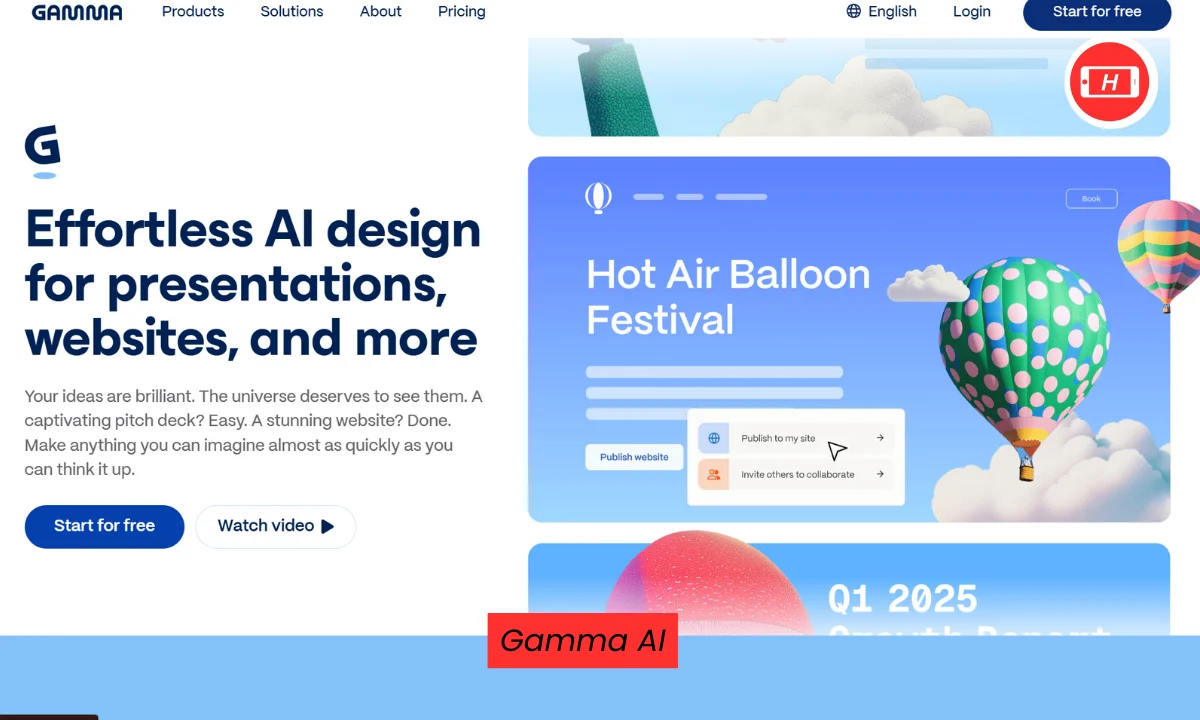
Gamma stands out as the overall winner for best AI for PPT generation. Users praise it constantly on social media and review sites. The tool creates modern scrollable presentations that look like interactive websites. You enter a prompt and Gamma researches the topic and builds an outline. Then it generates complete slides with professional themes and high quality images.
The content quality impresses most users. Gamma includes real data, statistics and structured information instead of generic filler text. Export options work well for PowerPoint and PDF formats. The free plan gives you 400 credits which equals about 10 full presentations. Paid plans start at just 8 dollars per month.
Plus AI for Traditional Workflows
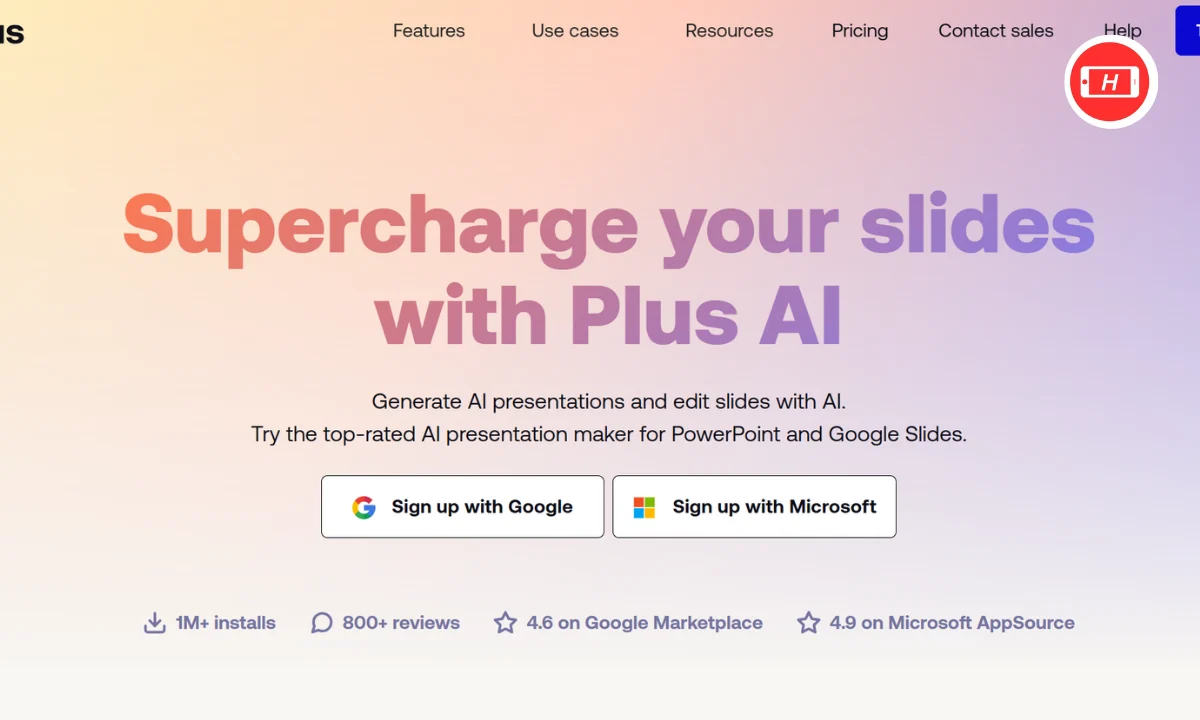
Plus AI takes a different approach. Instead of being a standalone app, it works directly inside PowerPoint and Google Slides. This matters if you already use these tools daily. You install Plus AI as an add on and it appears in your sidebar. Generate presentations without switching apps or learning new software.
The tool creates professional quality slides that match business standards. Content generation focuses on appropriate text length for each slide type. Plus AI understands different layouts and adjusts content accordingly. The remix feature lets you modify existing slides with AI commands. This saves time when you need to adjust tone or restructure information.
GenPPT Brings Research Power
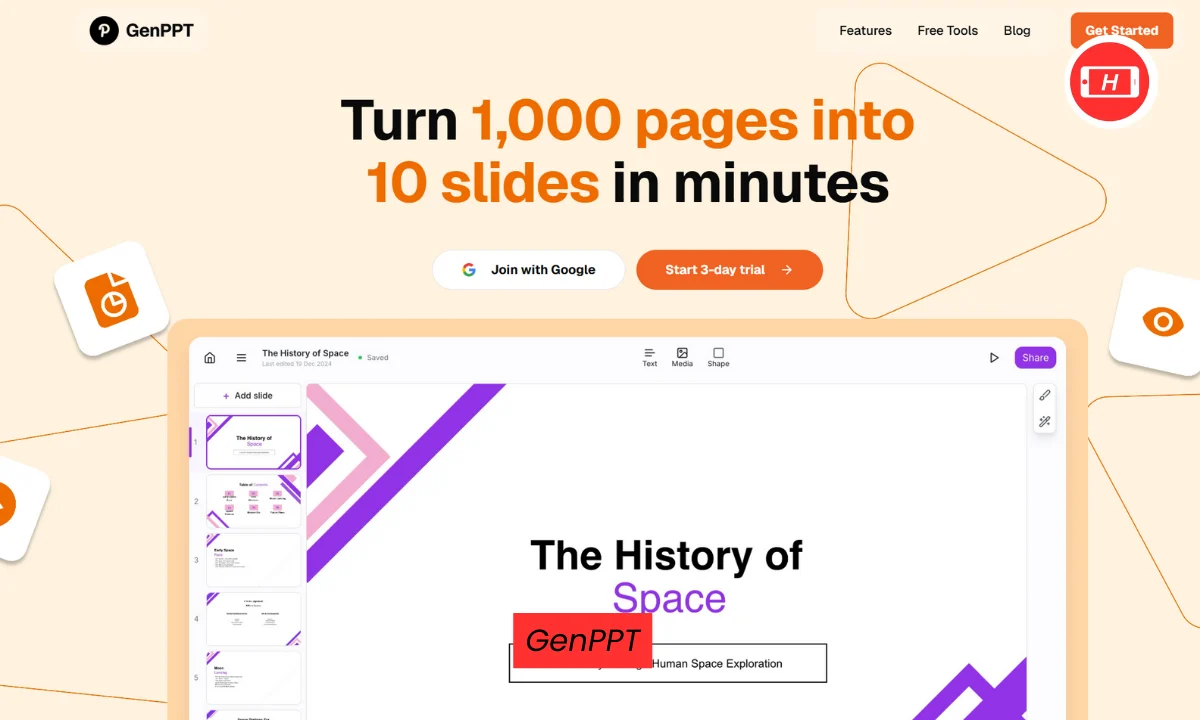
GenPPT uses the latest AI models including Gemini 2.5 Pro. This gives it superior research capabilities compared to cheaper alternatives. The tool actually studies your topic before generating content. It pulls in current information and real statistics instead of making up generic facts.
The chat interface makes editing simple. You can refine slides through conversation instead of manual adjustments. GenPPT generates AI images or pulls from Unsplash for real photos. Export works smoothly to PowerPoint and PDF formats. The 3 day trial costs just 1 dollar so you can test it thoroughly.
Beautiful AI Focuses on Brand Consistency
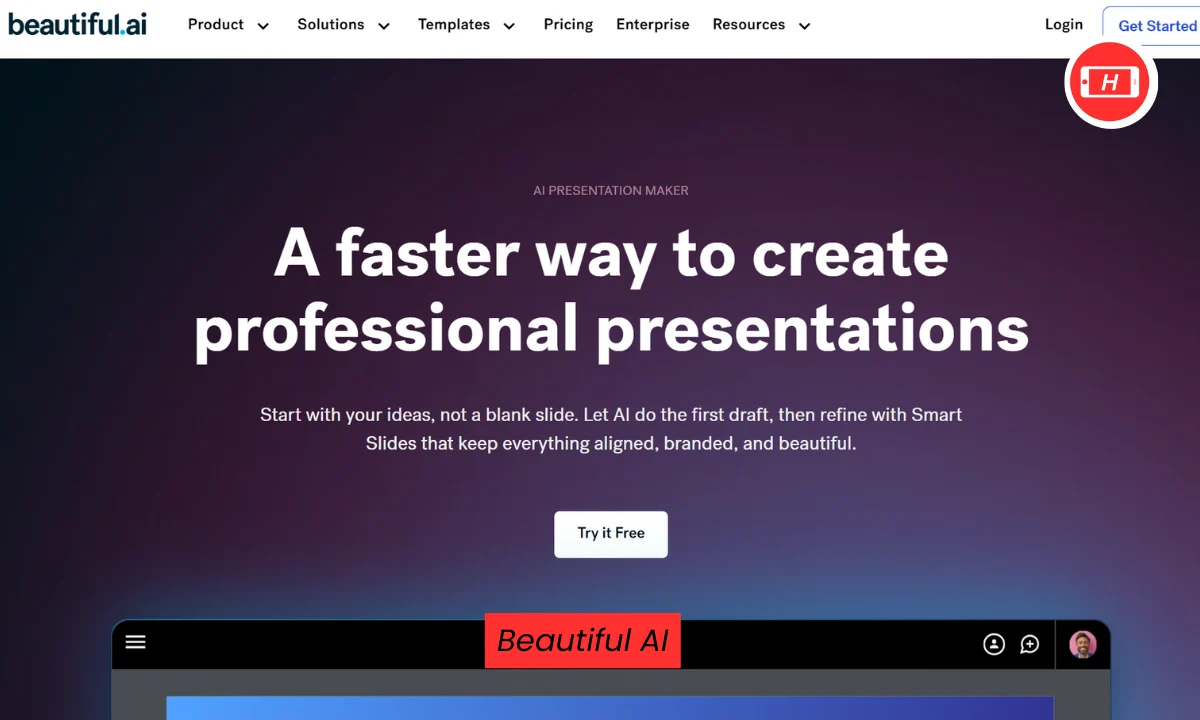
Beautiful AI targets teams that need brand aligned presentations. The tool automates design while maintaining your company colors, fonts and logo. Templates follow professional design principles with proper alignment and spacing. Smart layouts automatically adjust when you add or remove content.
The Designer Bot helps select appropriate formats for each slide. Content quality stays solid but sometimes feels generic. Annual pricing starts high which makes it expensive for individual users. The tool works best for enterprise teams who value brand consistency over speed.
Canva Offers Complete Design Freedom
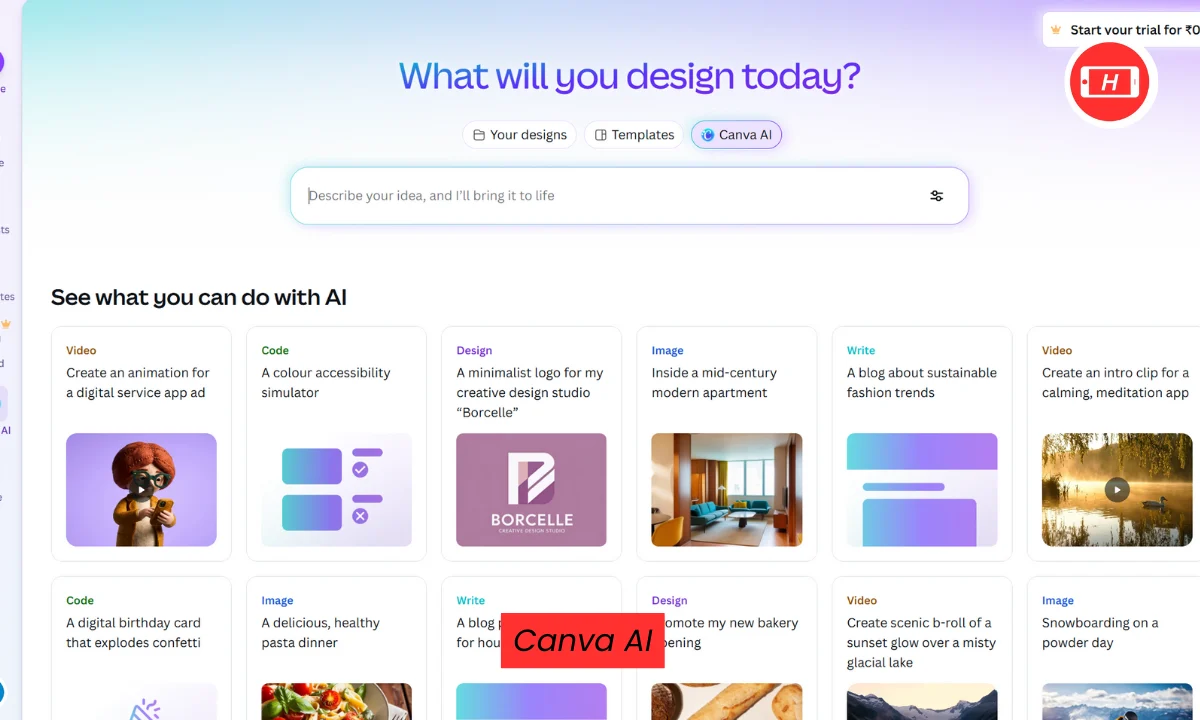
Canva AI brings presentation generation to their popular design platform. You get access to thousands of templates and massive asset libraries. The Magic Design tool creates initial drafts from prompts. Then you can customize everything with their full editor including drag and drop features.
The real value comes from Canva being more than just presentations. One subscription covers graphic design, video editing and social media content. AI writing assistants help refine copy. Export options include PowerPoint, PDF and MP4 video formats. Free plan limits you to 10 presentations but paid plans start at 15 dollars monthly.
Prezi Creates Interactive Experiences
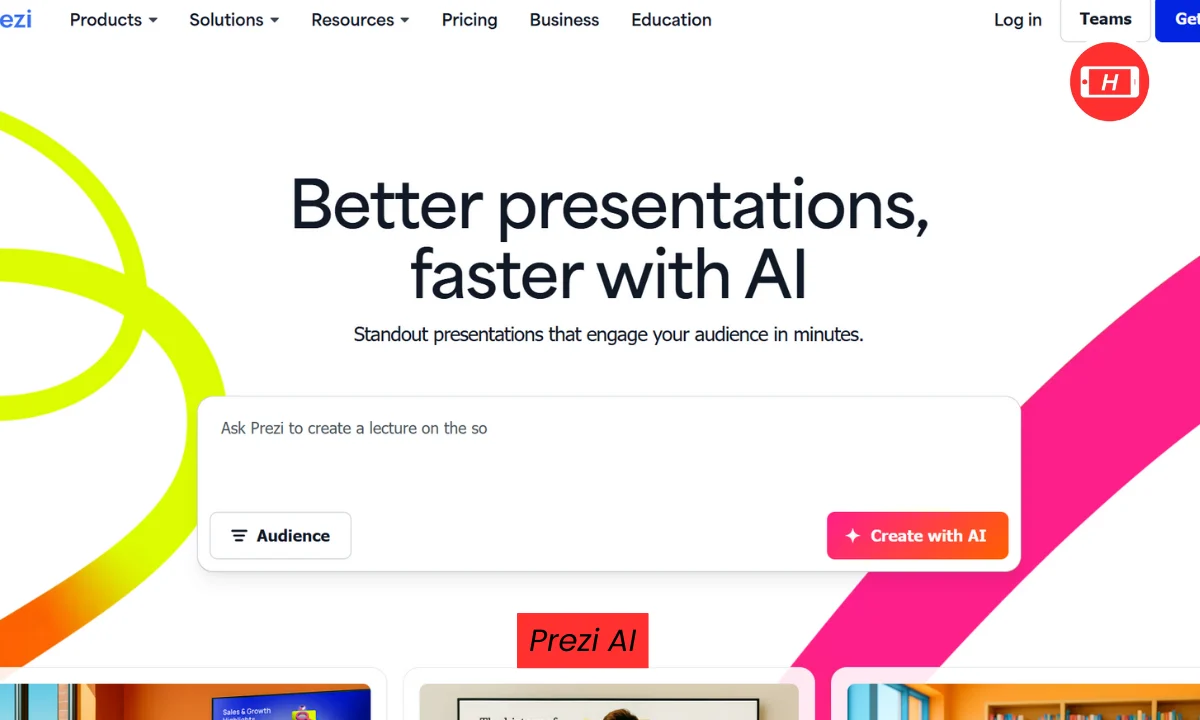
Prezi builds presentations differently than everyone else. Instead of traditional slides, it creates zoomable canvases with spatial relationships between ideas. The AI generates 20 plus slides with animations and transitions. An Ask AI feature helps edit text quickly.
The unique format engages audiences but may cause motion sickness for some viewers. Exporting to PowerPoint works but loses the special zoom effects. Prezi suits educators and creative presenters who want something memorable. All pricing requires annual commitment starting at 228 dollars per year.
When Free Tools Make Sense
Several AI presentation makers offer generous free plans. Gamma provides 400 credits which makes 10 full decks. SlidesAI gives you 3 presentations monthly. Pitch allows unlimited basic presentations. Canva limits you to 10 lifetime generations.
Free plans help you test tools before committing money. They work fine for students, small projects or occasional use. Limitations usually include watermarks, fewer templates or restricted export options. Most tools upgrade to paid plans between 10 and 20 dollars monthly.
Content Quality Matters Most
Pretty templates mean nothing if the content falls flat. The best AI for PPT generation writes contextual information that makes sense. Look for tools that research topics instead of generating generic text. Check if slides include real data, proper structure and appropriate detail levels.
Test outputs carefully before important presentations. AI sometimes creates irrelevant content or misses key points. The top tools let you refine content through chat interfaces or editing features. This speeds up the revision process compared to starting from scratch.
Export and Integration Options
Professional users need presentations that work with existing tools. Check export formats carefully before choosing a platform. PowerPoint PPTX and Google Slides compatibility matter most. PDF export helps for sharing final versions. Some tools also offer MP4 video formats.
Native integration beats standalone apps for workflow efficiency. Plus AI works inside PowerPoint and Google Slides so you never leave familiar tools. Browser extensions and add ons provide similar benefits. Standalone platforms require extra steps to move presentations into your normal workflow.
Pricing Structures Explained
Most AI presentation tools use subscription models. Monthly plans typically cost 10 to 25 dollars per user. Annual billing usually saves 20 to 30 percent. Enterprise plans add features like custom templates, team collaboration and priority support.
Free trials let you test premium features before paying. Trial lengths vary from 3 days to 7 days. Some tools offer freemium models with permanent free plans and limited features. Consider how many presentations you create monthly when evaluating costs.
Making Your Final Choice
The best AI for PPT generation depends on your specific needs. Gamma works great for modern looking decks with strong content. Plus AI suits professionals who live in PowerPoint or Google Slides. GenPPT wins for research heavy presentations. Beautiful AI handles brand consistency well. Canva provides maximum design flexibility.
Try multiple tools using their free trials. Create the same presentation in each platform and compare results. Check content quality, design options and ease of use. Most users find their perfect tool within 2 or 3 trials.
Related Posts :




Share This Post