Best AI Tools for Daily Productivity: Your Complete Guide to Working Smarter in 2025
When I started using AI tools last year, I was spending nearly 5 hours daily on repetitive tasks. Fast forward to today and I have reclaimed almost 4 hours each week. This transformation happened because I found the right AI productivity tools that actually work for my daily workflow.
The AI productivity landscape has exploded in 2025. With hundreds of tools promising to save time and boost efficiency, choosing the right ones feels overwhelming.
After personally testing over 50 AI tools and analyzing how they fit into real work scenarios, I have narrowed down the best options that deliver genuine productivity gains. These tools help me write faster, manage my time better, and reduce the mental load that comes with juggling multiple projects.
Also Read: Best AI for PPT Generation: Top 12 Tools That Actually Work in 2025
Key Takeaways
- AI tools can save you 4+ hours weekly by automating repetitive tasks like email drafting and meeting transcription
- General AI assistants like ChatGPT and Claude excel at brainstorming while specialized tools handle specific workflows better
- The best AI writing tools adapt to your personal style and understand platform-specific requirements
- Time management AI like Motion and Reclaim automatically schedules your tasks based on priorities
- Meeting assistants such as Fireflies and Otter transcribe conversations and extract action items instantly
- Remote work gets easier with AI tools that handle scheduling across time zones and summarize communications
- Starting with 2-3 tools that solve your biggest pain points works better than overwhelming yourself with many options
Understanding AI Productivity Tools
I think of AI productivity tools as digital assistants that handle the boring stuff so I can focus on creative work. These tools use machine learning to understand patterns in my work and automate tasks that used to eat up my schedule. The difference between traditional productivity apps and AI-powered ones is remarkable. Where old tools just stored information, AI tools actively help me process it.
The key benefit I have noticed is how AI reduces mental load at work. Instead of remembering every detail from meetings or manually organizing my inbox, AI tools do this automatically. This frees up mental space for strategic thinking and creative problem solving. My brain feels less cluttered and more focused on what matters.
Best AI for Writing Emails Reports and Documents
Writing takes up a huge chunk of my workday. Between emails, reports, and documentation, I used to spend hours staring at blank screens. AI writing assistants changed this completely.
1) ChatGPT

ChatGPT remains my go-to for drafting anything text-heavy. I use GPT-4o for complex research and the o1 model when I need deeper reasoning. What makes ChatGPT powerful is its versatility. I can ask it to draft a professional email, then immediately switch to creating a technical report. The conversational interface means I can refine outputs through simple follow-up questions.
2) Grammarly
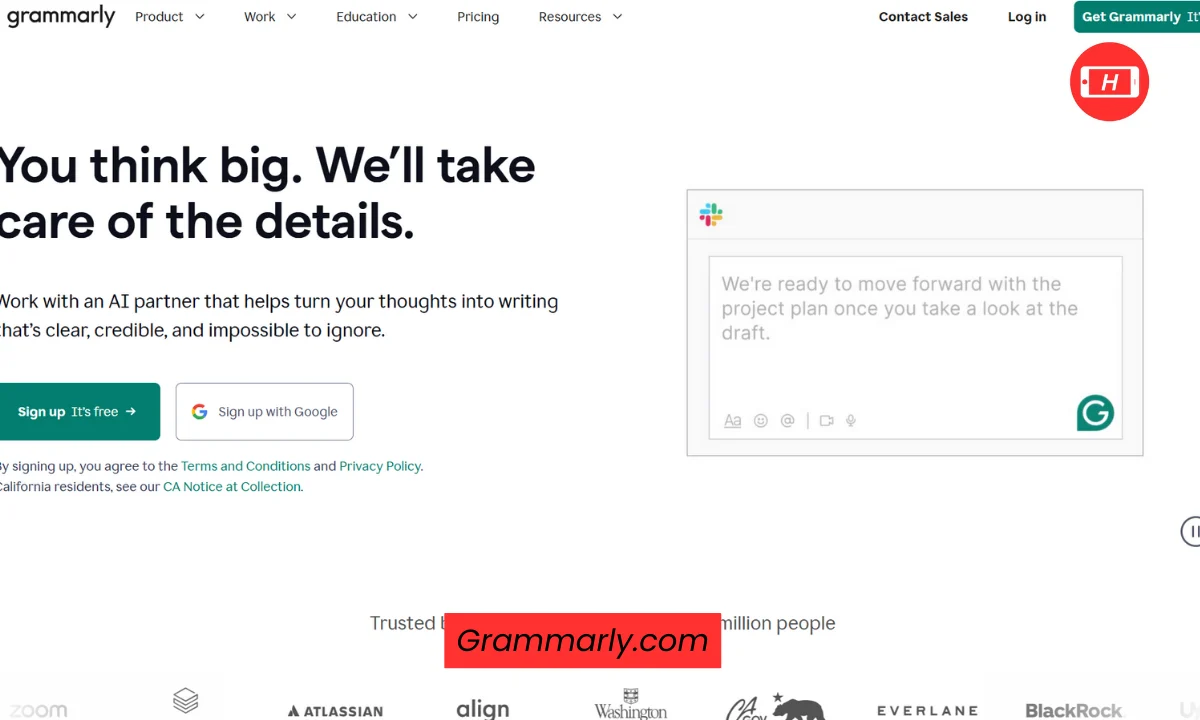
Grammarly sits in my browser and catches mistakes before I make them. The AI suggests better word choices and adjusts my tone based on the audience. I set it to professional mode for client emails and casual for team Slack messages. This consistency in communication has improved how my messages land with different groups.
3) Jasper
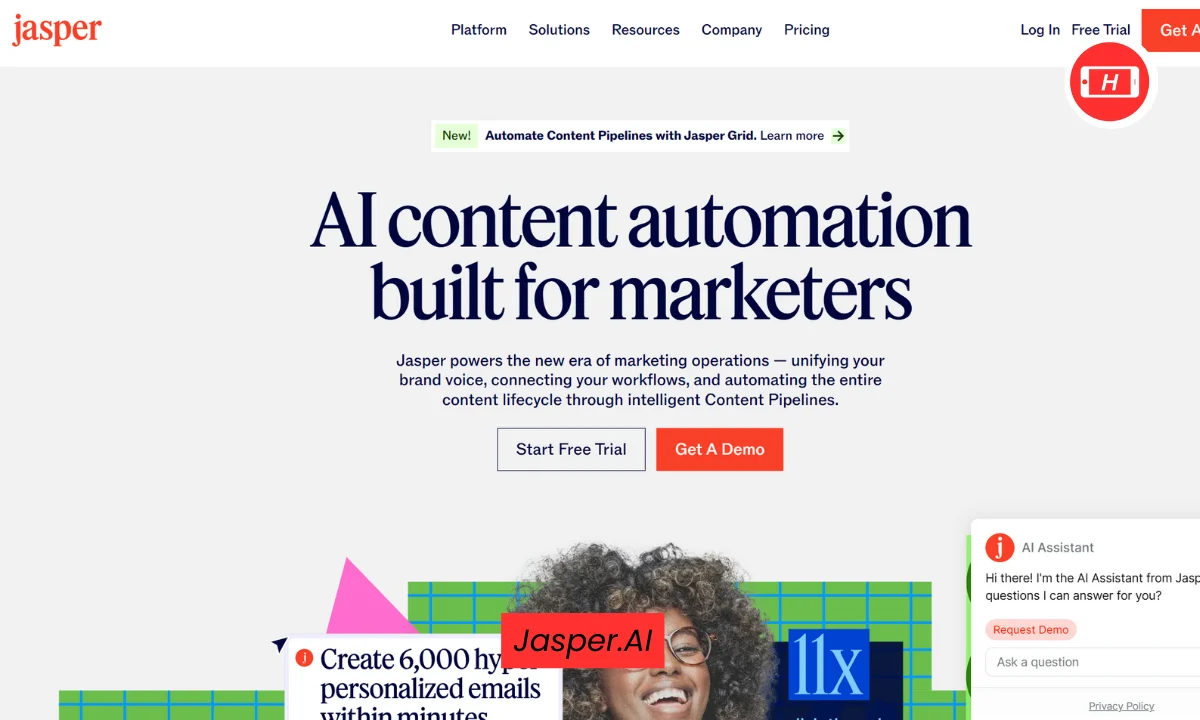
Jasper works best when I need to create multiple pieces of content quickly. I use it for blog posts and marketing copy. The tool has templates for different content types which speeds up the initial draft. While I always edit the output heavily, having that first draft ready in minutes instead of hours makes a massive difference.
4) Writer
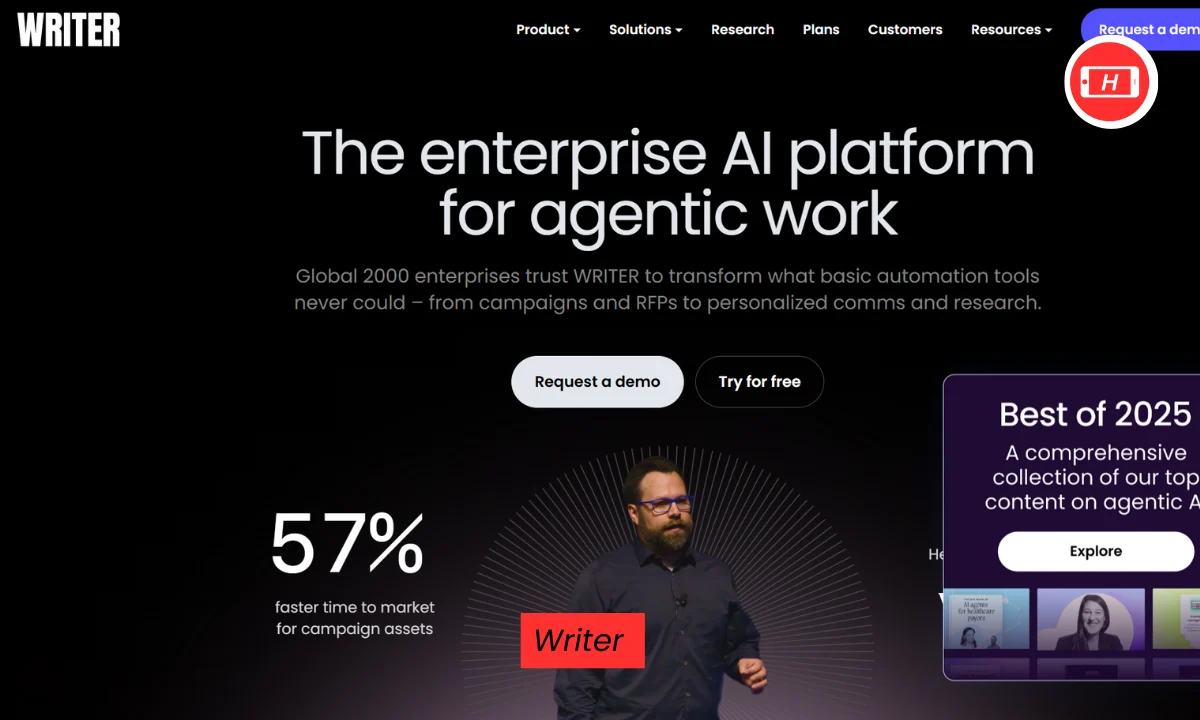
Writer stands out for teams that need brand consistency. I have seen companies use it to ensure everyone writes in the same voice. The compliance features also help businesses stay within legal guidelines. This matters a lot when multiple people contribute to customer-facing content.
For personal writing style, I recommend Type. This tool learns how I write and mimics my voice in drafts. After training it on a few examples of my work, the outputs require less editing than other AI writers. This saves time because I spend less effort making AI-generated content sound like me.
Best AI for Time Management and Task Planning
Managing time effectively determines how productive my day becomes. AI scheduling tools have transformed how I organize work.
1) Motion
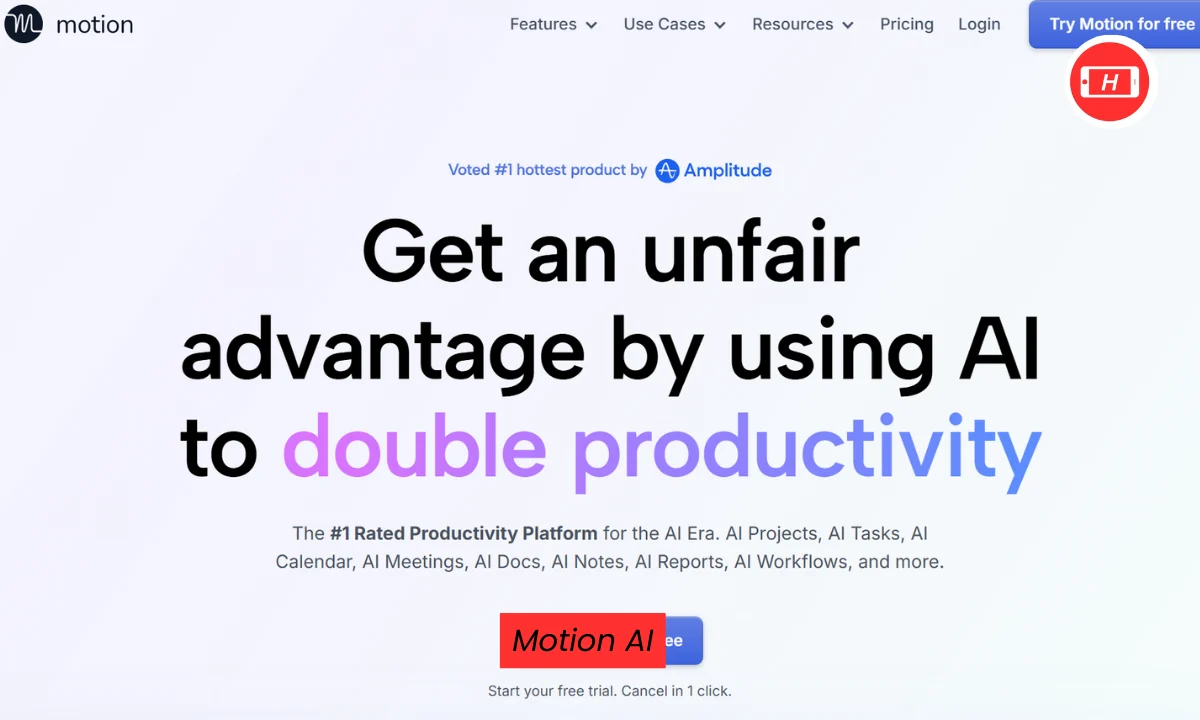
Motion automatically plans my entire day. I add tasks with deadlines and priorities, then Motion figures out when I should do each one. The AI moves things around as new meetings pop up or urgent items appear. This dynamic scheduling means I never waste time manually reorganizing my calendar.
2) Reclaim AI
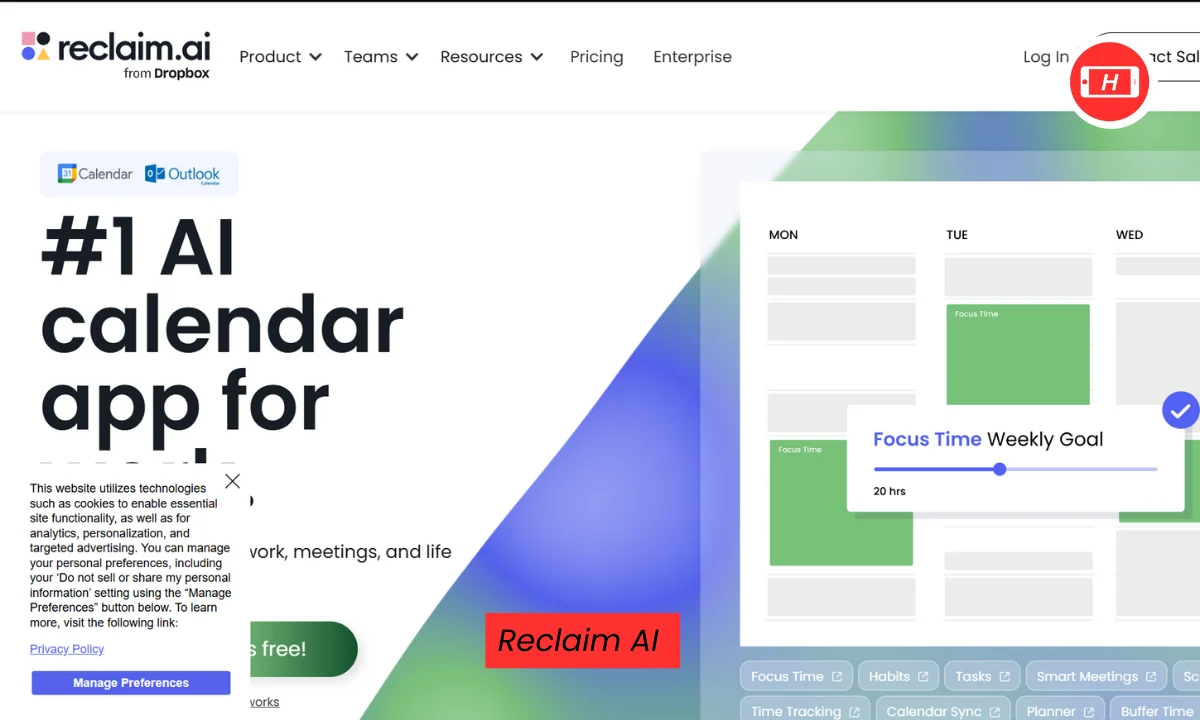
Reclaim AI protects my focus time religiously. I set habits like morning deep work or afternoon exercise and Reclaim blocks these on my calendar. When someone tries to schedule a meeting during focus time, the tool suggests alternative slots. This has doubled the amount of uninterrupted work time I get each week.
3) Clockwise
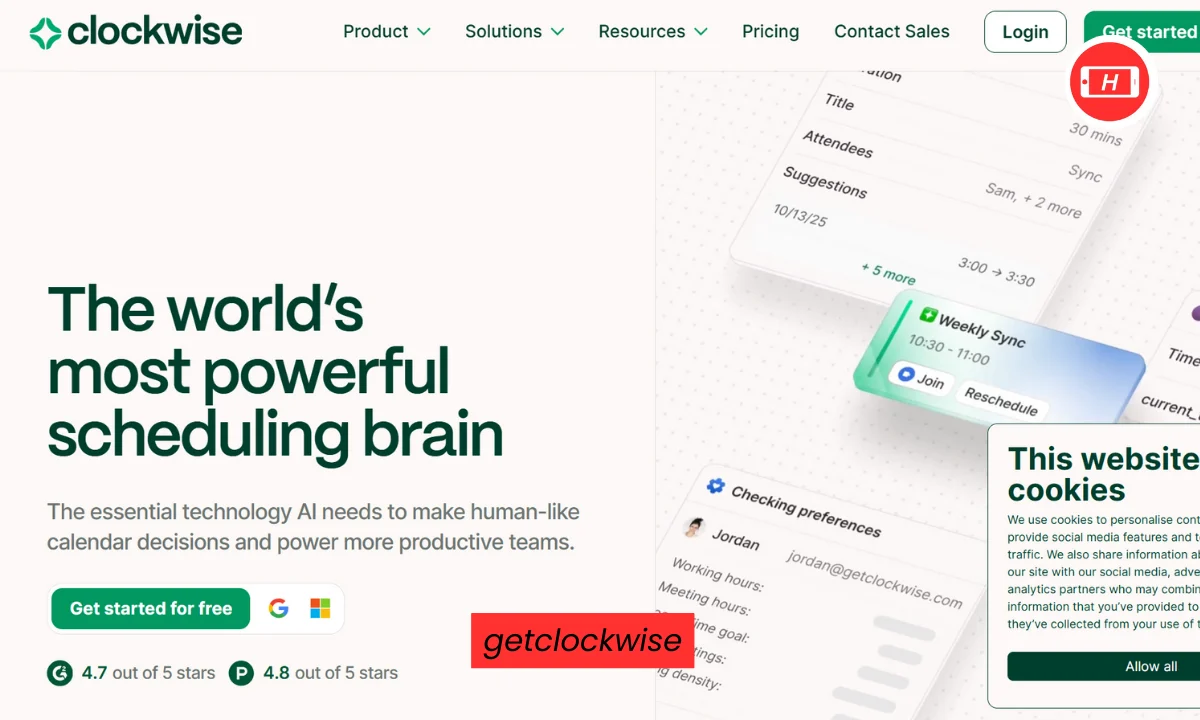
Clockwise excels at team scheduling. It looks at everyone’s calendars and finds meeting times that minimize disruption. For distributed teams, this feature is gold. Instead of endless email chains trying to find a time that works, Clockwise does it automatically.
4) Any.do
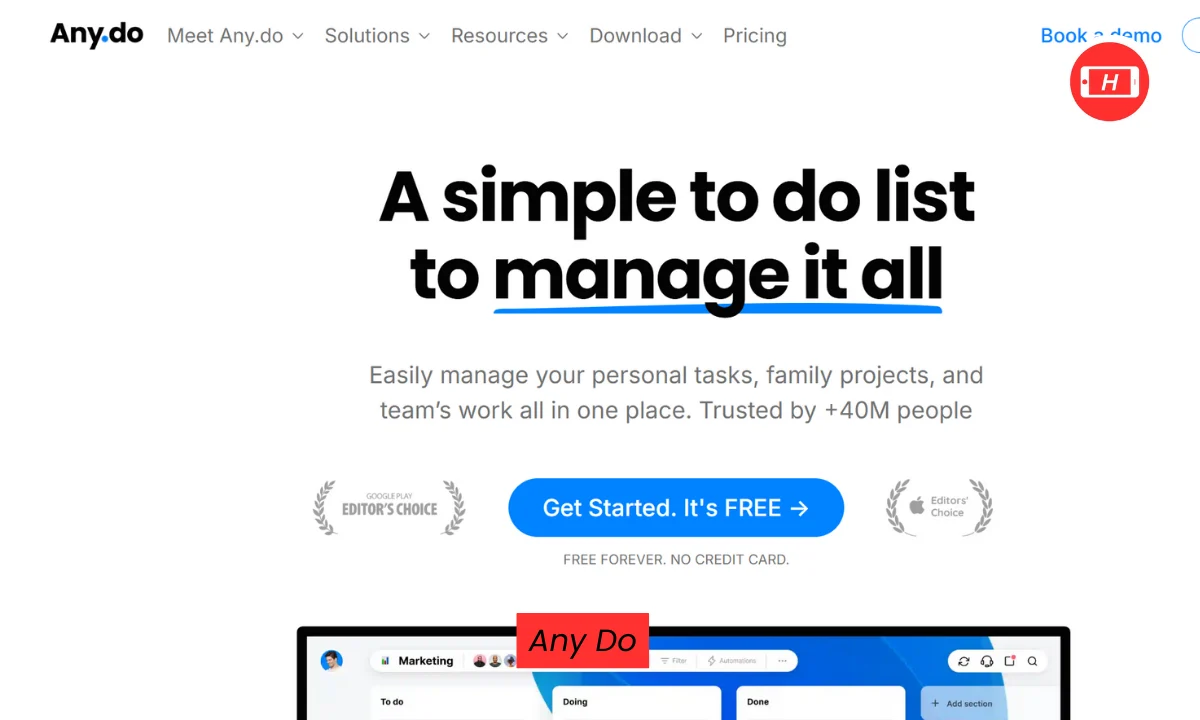
Any.do breaks down big projects into manageable steps. When I add a task like “launch new product,” the AI suggests subtasks I might have forgotten. This prevents that overwhelming feeling when facing a huge project. Having clear next steps makes getting started much easier.
5) Todoist AI Assistant
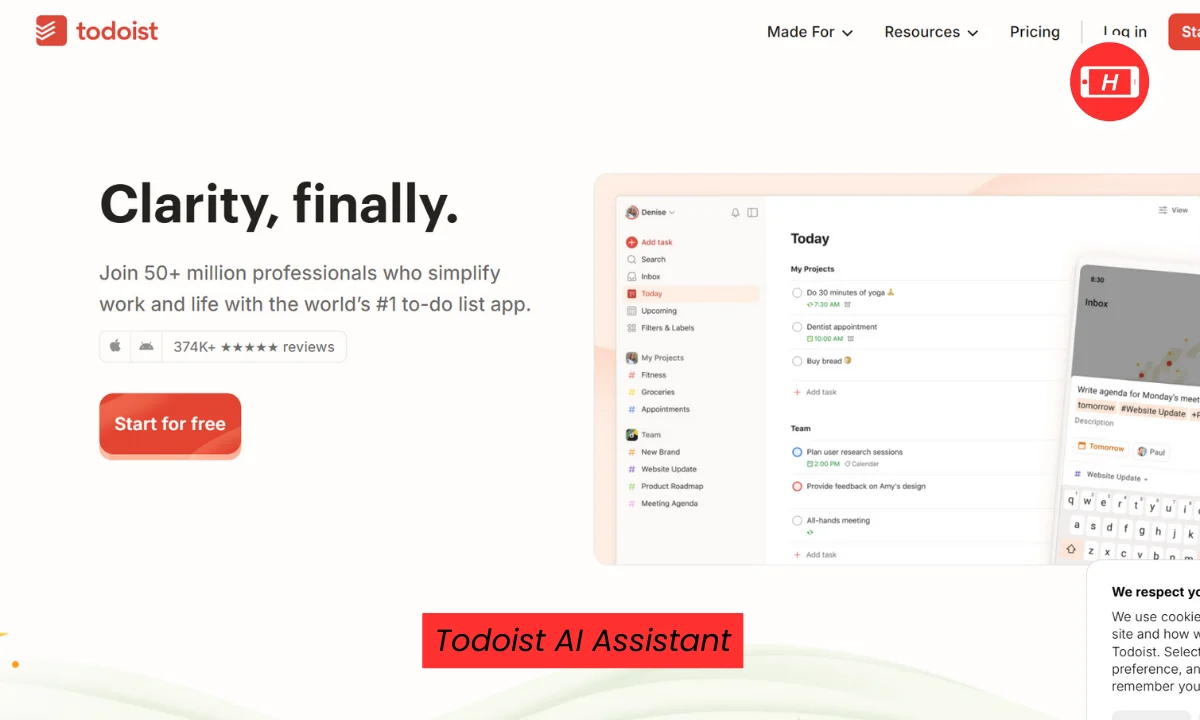
Todoist AI Assistant turns vague tasks into actionable ones. If I write “work on presentation,” it suggests specific steps like “create outline” and “design slides.” This clarity eliminates the mental friction of figuring out where to begin.
Best AI Tools for Remote Work
Remote work creates unique challenges that AI tools help solve. Communication across time zones and maintaining team alignment require different approaches.
Fireflies joins my video calls and records everything. After meetings end, I get a full transcript with key moments highlighted. The AI identifies action items and assigns them to people. This means I can stay fully present in conversations instead of frantically taking notes.
Otter.ai serves a similar purpose but I use it for interviews and one-on-one calls. The speaker identification works better than other transcription tools I have tried. Being able to search through past conversations for specific topics has saved me countless hours.
Loom with AI features generates automatic titles and chapters for screen recordings. When I need to explain something to remote teammates, I record a quick Loom instead of writing lengthy emails. The AI summaries help viewers decide if they need to watch the full video.
Notion AI keeps our team documentation organized. When someone asks where to find information, I use Notion’s AI search to get precise answers with source links. This beats manually searching through dozens of pages. The Q&A feature grounds responses in our actual documents instead of generating generic answers.
Superhuman transformed how I handle email. The AI drafts replies in my writing style and auto-categorizes incoming messages. For remote workers drowning in email, this tool recovers hours each week. The keyboard shortcuts also speed up email processing significantly.
How AI Reduces Mental Load at Work
The mental exhaustion from work often comes from keeping track of everything rather than doing the actual work. AI tools reduce this cognitive burden in several ways.
Memory and recall improve with AI assistants. Tools like Personal AI create memory blocks from my messages and documents. When I need to remember something, I ask the AI instead of digging through files. This external brain storage frees up mental space.
Decision fatigue drops when AI handles routine choices. Motion decides when I should work on tasks. Buffer’s AI picks the best times to post content. These small decisions add up to significant mental savings over a day.
Context switching decreases because AI tools bring information to me. Instead of jumping between apps to gather data for a report, ChatGPT pulls insights from multiple sources in one place. Less app switching means better focus and reduced mental drain.
Task prioritization becomes automatic. When everything feels urgent, AI tools help identify what truly matters. Asana’s AI spots project risks before they become problems. This proactive approach prevents the stress of discovering issues too late.
Choosing the Right AI Productivity Tools
Starting with every available AI tool leads to overwhelm. I learned this the hard way after signing up for 20 different services and using maybe three consistently.
My recommendation is picking 2-3 tools that solve your specific pain points. If email consumes your day, start with Superhuman or Shortwave. If meetings bog you down, try Fireflies first. Master one tool before adding another.
Integration matters more than features. The best AI tools connect with apps you already use. Zapier ties different AI services together, creating workflows that span multiple platforms. This connectivity multiplies the value of each individual tool.
Free trials let you test before committing. Most AI productivity tools offer 7-14 day trials. I use this period to run the tool through real work scenarios. Generic demos never show how a tool performs under actual pressure.
Privacy and data security deserve attention. Some AI tools train their models on your data while others keep everything private. Read the terms carefully, especially for business use. Tools like Writer prioritize security while others like free ChatGPT use your inputs for improvement.
Cost effectiveness comes from time saved. A $20 monthly tool that saves 4 hours weekly justifies itself quickly. I calculate my hourly rate and compare it against the time saved. This math usually makes premium AI tools an easy decision.
Getting Started with AI Productivity Tools
My first week using AI tools felt awkward. The outputs were mediocre and I spent more time tweaking prompts than doing actual work. This frustration is normal and temporary.
Start simple with basic prompts. Instead of crafting the perfect prompt, begin with straightforward requests. “Write an email declining this meeting” works better than a paragraph explaining every nuance. You can always refine outputs through follow-up messages.
Build prompt templates for recurring tasks. I have saved prompts for common scenarios like weekly reports or client updates. This consistency improves results because the AI learns what format I prefer.
Combine tools strategically. I use ChatGPT to brainstorm ideas, Notion AI to organize them, and Grammarly to polish the final text. This assembly line approach leverages each tool’s strength rather than forcing one tool to do everything.
Review AI outputs critically. Never publish AI-generated content without checking facts and tone. I caught several instances where ChatGPT confidently stated incorrect information. Human judgment remains essential even with advanced AI.
Adjust your workflow gradually. Introducing five new tools at once disrupts productivity rather than enhancing it. I added one tool per month until I found the right mix. This measured approach let me actually learn each tool properly.
Advanced AI Productivity Strategies
Once basic AI tool usage becomes comfortable, advanced techniques multiply the benefits.
Create custom AI agents with Zapier Central. These agents work across thousands of apps and handle complex multi-step tasks. I built an agent that monitors project updates, summarizes changes, and sends reports to stakeholders automatically.
Chain AI tools together for sophisticated workflows. When a client email arrives, Superhuman categorizes it, ChatGPT drafts a response, and Motion schedules follow-up tasks. This automation handles routine communications without my input.
Train AI on your specific needs. Tools like Personal AI and Type improve as you use them. I spent time teaching these systems my preferences and now they generate outputs that need minimal editing.
Use AI for data analysis beyond basic tasks. Claude excels at processing spreadsheets and finding patterns. I feed it sales data and ask for insights. The AI spots trends I would have missed manually.
Implement AI gradually across teams. When rolling out AI tools at work, I started with one department and gathered feedback. This pilot approach identified issues before company-wide deployment. Change management matters even with helpful tools.
Conclusion
AI productivity tools have fundamentally changed how I work. The 4 hours weekly I save go toward strategic thinking instead of administrative tasks. My stress levels dropped because AI handles the mental load of remembering and organizing everything.
The key is choosing tools that match your actual needs rather than chasing every new AI feature. Start with pain points that consume most of your time. Master those solutions before expanding your AI toolkit.
As AI capabilities improve, these tools will become even more integrated into daily work. The businesses and individuals who learn to leverage AI effectively will have significant competitive advantages. The learning curve feels steep initially but the productivity gains make the effort worthwhile.
I still catch myself amazed when AI transcribes a meeting perfectly or writes an email that sounds exactly like me. This technology went from science fiction to daily utility remarkably fast. Taking advantage of it now positions you well for whatever comes next in the productivity revolution.
Related Posts :





Share This Post