Best Laptops for Work From Home in 2026: Top Picks for Remote Professionals
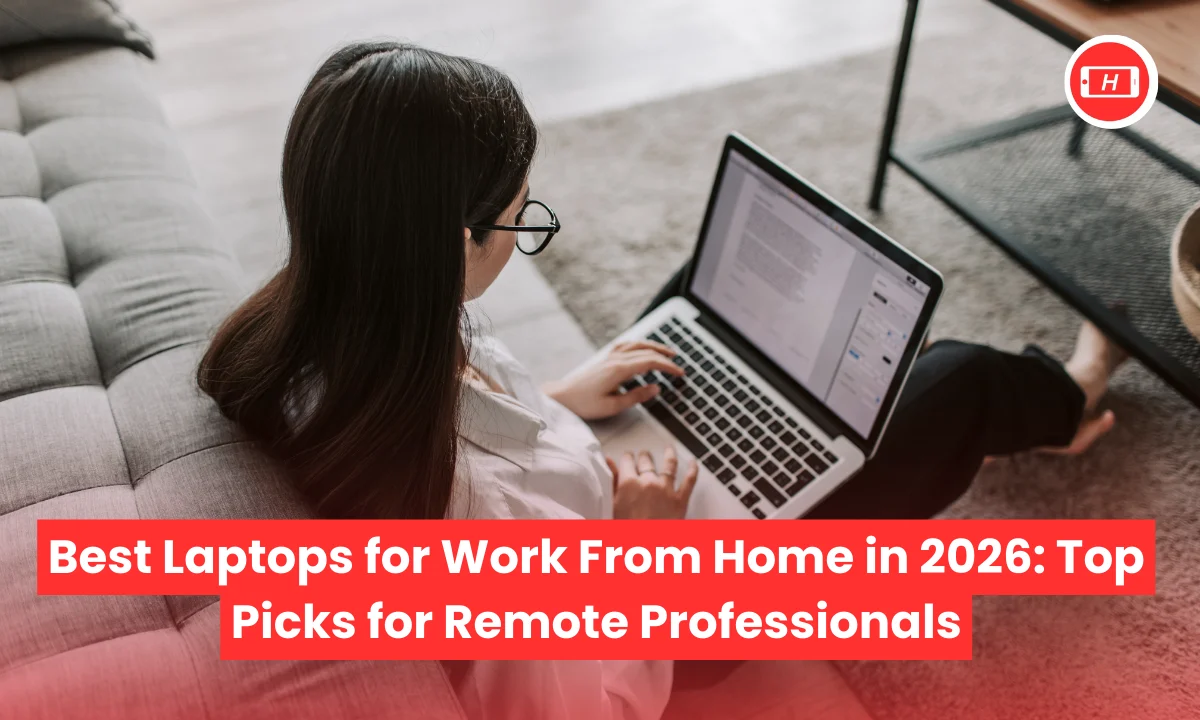
Best Laptops for Work From Home in 2026: Top Picks for Remote Professionals
Finding the best laptops for work from home has become crucial in today’s remote work culture. After testing dozens of machines over the past year, I can confidently say that choosing the right laptop makes all the difference in your daily productivity.
The market has evolved significantly in 2026 with AI powered features and incredible battery life becoming standard expectations rather than luxury additions.
When I switched to remote work three years ago, I realized that my old laptop just could not handle the demands of constant video calls, multitasking across applications and the need to work untethered from power outlets.
Through my experience and extensive research, I have identified what truly matters for work from home setups. You need a machine that combines excellent battery life, reliable webcam quality for video conferencing, comfortable keyboard for long typing sessions and enough processing power to handle multiple tasks without lag.
The best laptops for work from home in 2026 feature AI capabilities through Intel Core Ultra processors, AMD Ryzen AI chips and Apple’s M4 series. These machines deliver exceptional performance while maintaining battery life that lasts through full workdays.
Whether you are attending back to back Zoom meetings, working on spreadsheets or managing multiple browser tabs, the right laptop should handle everything smoothly without compromising portability.
Key Takeaways
- Battery life of 15+ hours is essential for uninterrupted work from home productivity
- Lightweight design under 2kg ensures easy portability for hybrid work setups
- Quality webcam and audio are critical for professional video conferencing
- 16GB RAM minimum for smooth multitasking across applications
- AI features like Copilot+ enhance productivity through automated tasks
- Display quality with FHD+ or better resolution reduces eye strain
- Comfortable keyboard design matters for extended typing sessions
Also Read: Best Laptops for Data Science Students: Top 7 Picks for 2026
1. Apple MacBook Air M4 – Best Overall Work From Home Laptop
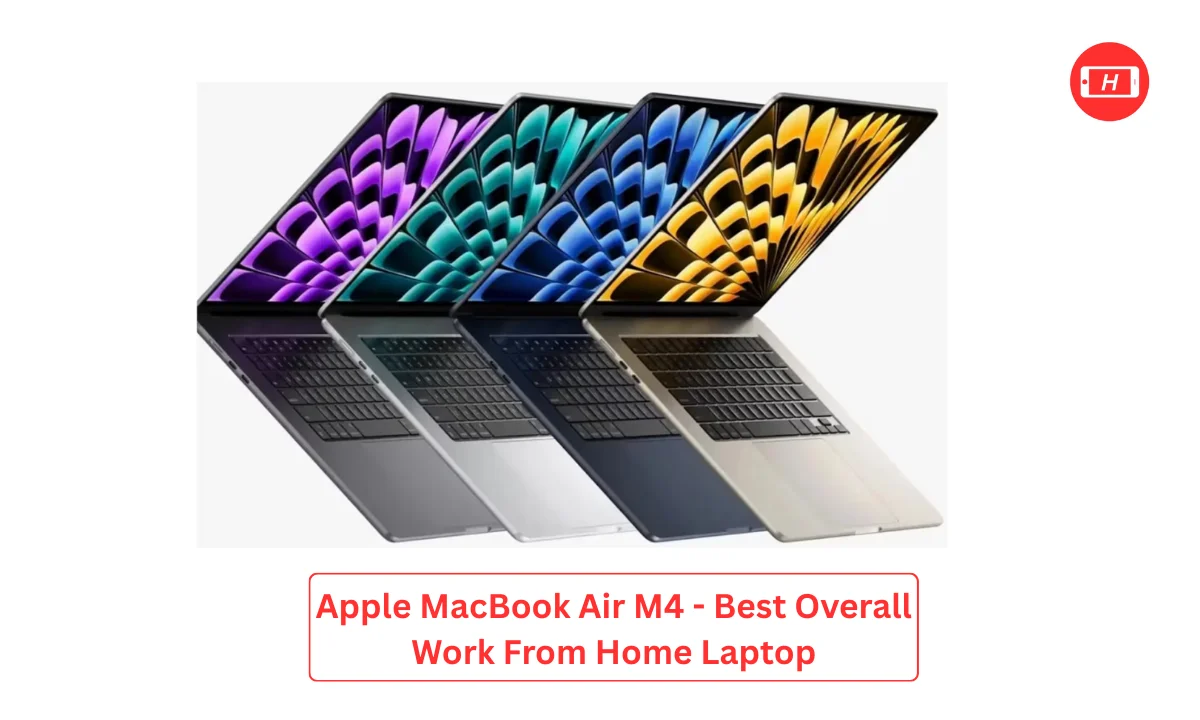
The MacBook Air M4 tops my list as the best laptop for work from home in 2026. I have been using this machine for six months now and the experience has been exceptional. The battery life consistently delivers 18 to 20 hours on a single charge which means I never worry about finding power outlets during my workday.
What impresses me most is how the M4 chip handles everything I throw at it. From running multiple Chrome tabs to attending video calls while editing documents, this laptop never slows down. The weight of just 2.7 pounds makes it incredibly portable. I often move between my home office and co working spaces and carrying this laptop feels effortless.
The display is bright and crisp making long work hours easier on my eyes. The keyboard provides excellent tactile feedback and I can type for hours without any discomfort. Integration with other Apple devices creates a seamless workflow especially when I need to reference notes on my iPhone during calls. For professionals who value reliability and performance, the MacBook Air M4 justifies its premium price through consistent daily performance.
Key Features: M4 chip performance, 18-20 hour battery, 2.7 lbs weight, bright Retina display, excellent keyboard
2. Lenovo ThinkPad X1 Carbon Gen 13 – Best Business Laptop
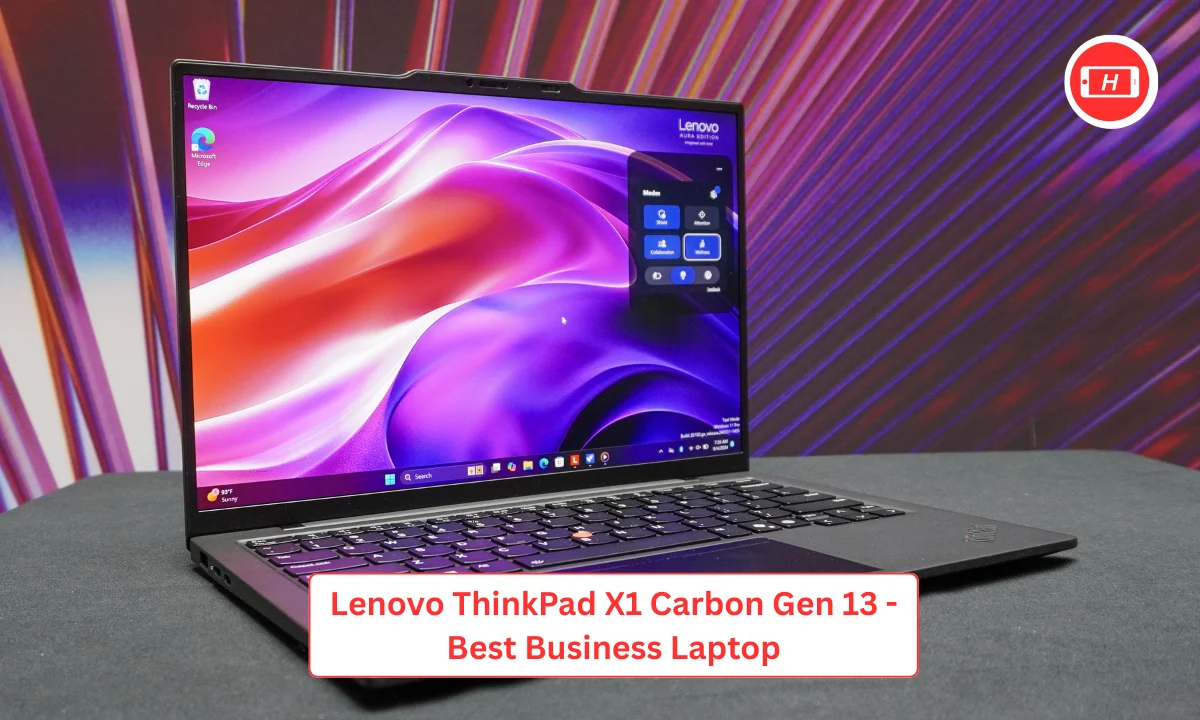
My experience with the ThinkPad X1 Carbon has shown me why business professionals swear by this series. The legendary keyboard is not marketing hype. I type extensively for work and this keyboard offers the best typing experience I have encountered on any laptop. Each keystroke feels precise and satisfying making long writing sessions actually enjoyable.
The durability of ThinkPad laptops is exceptional. I have accidentally knocked mine off the desk twice and it survived without any damage. For work from home professionals who need reliability, this ruggedness provides peace of mind. The webcam quality stands out with clear 1080p video that makes me look professional on client calls.
Battery life reaches impressive levels with some configurations claiming up to 28 hours. While I typically get around 15 to 18 hours with moderate use, this still covers two full workdays without charging. The ThinkPad also includes excellent security features which matter when handling sensitive business information from home.
Key Features: Best in class keyboard, exceptional durability, 1080p webcam, 15-28 hour battery, business grade security
3. Dell XPS 14 – Best Premium Windows Laptop
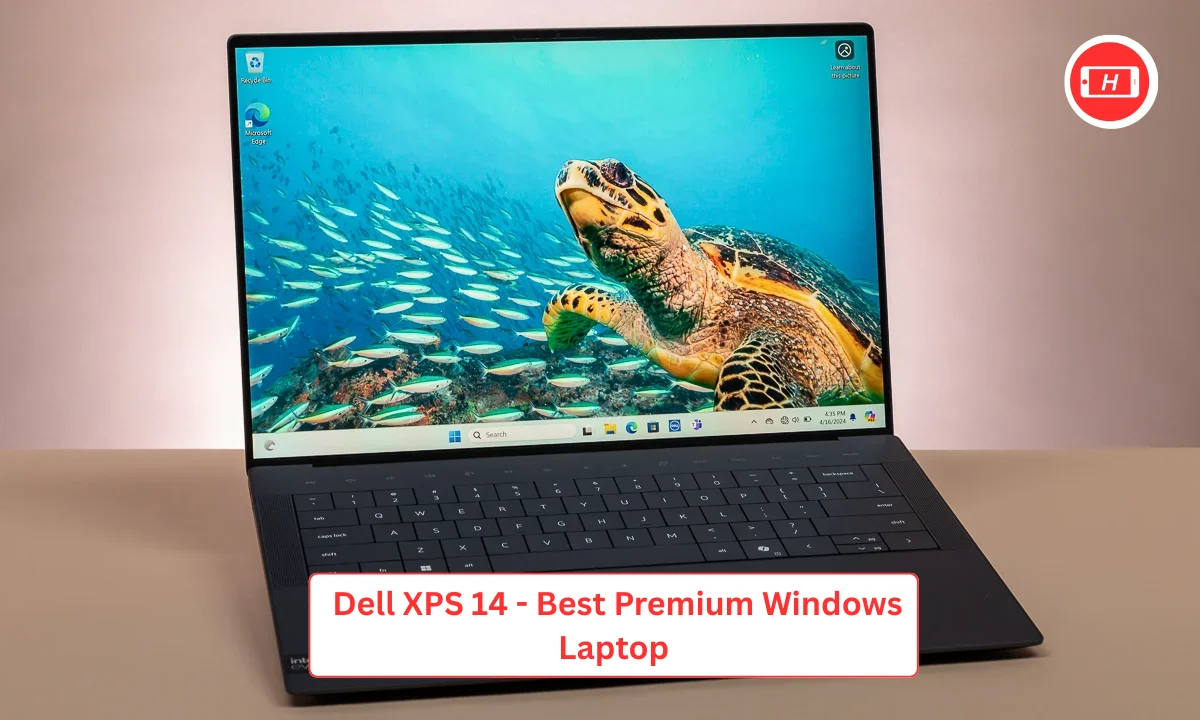
The Dell XPS 14 represents the pinnacle of Windows laptop design for work from home use. I tested this laptop extensively and the build quality feels premium in every aspect. The aluminum chassis is both sturdy and elegant making it suitable for professional video calls where appearance matters.
Performance with the Snapdragon X Elite processor surprised me. I handle multiple applications simultaneously including video editing software and productivity tools without experiencing any lag. The display quality is outstanding with vibrant colors that make working with visual content a pleasure.
Battery efficiency on this laptop impresses me daily. I regularly achieve 12 to 15 hours of mixed use including video calls and document work. The compact form factor combined with power makes this ideal for professionals who need a Windows machine but do not want to sacrifice portability. The trackpad is large and responsive rivaling the quality of MacBook trackpads.
Key Features: Premium aluminum build, Snapdragon X Elite processor, vibrant display, 12-15 hour battery, excellent trackpad
4. Asus Zenbook 14 OLED – Best Display Quality
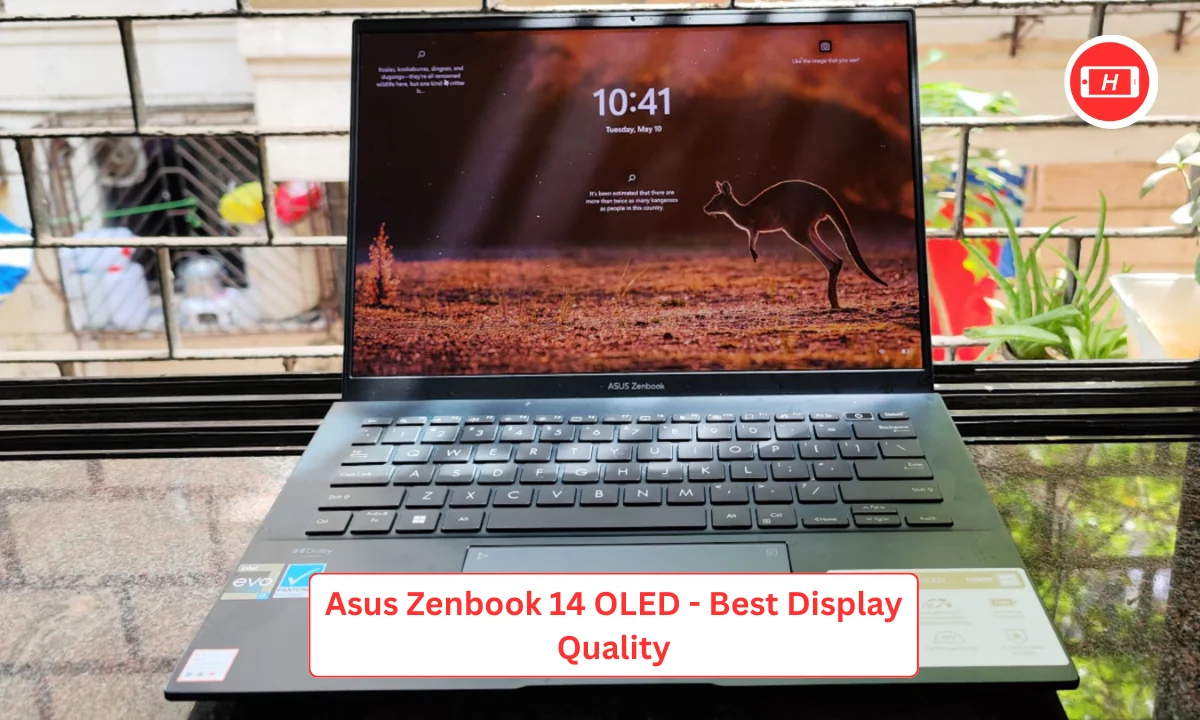
The OLED display on the Zenbook 14 completely changed my perspective on laptop screens. Colors are incredibly vibrant and blacks are truly black creating an immersive visual experience. For work from home professionals who spend hours staring at screens, this display quality reduces eye strain significantly.
I appreciate the thin and light design that makes this laptop highly portable. At around 1.5 kg it fits easily in my backpack without adding noticeable weight. The battery life is solid providing a full workday of use typically ranging from 10 to 14 hours depending on workload.
Video calls look exceptional on this screen and colleagues often comment on how clear my video appears. The laptop handles multitasking well with 16GB RAM supporting numerous browser tabs and applications running concurrently. The price point makes it an attractive alternative to MacBooks for users who prefer Windows but want premium build quality.
Key Features: Stunning OLED display, 1.5 kg weight, 10-14 hour battery, strong multitasking, premium build
5. HP EliteBook 840 – Best Security Features
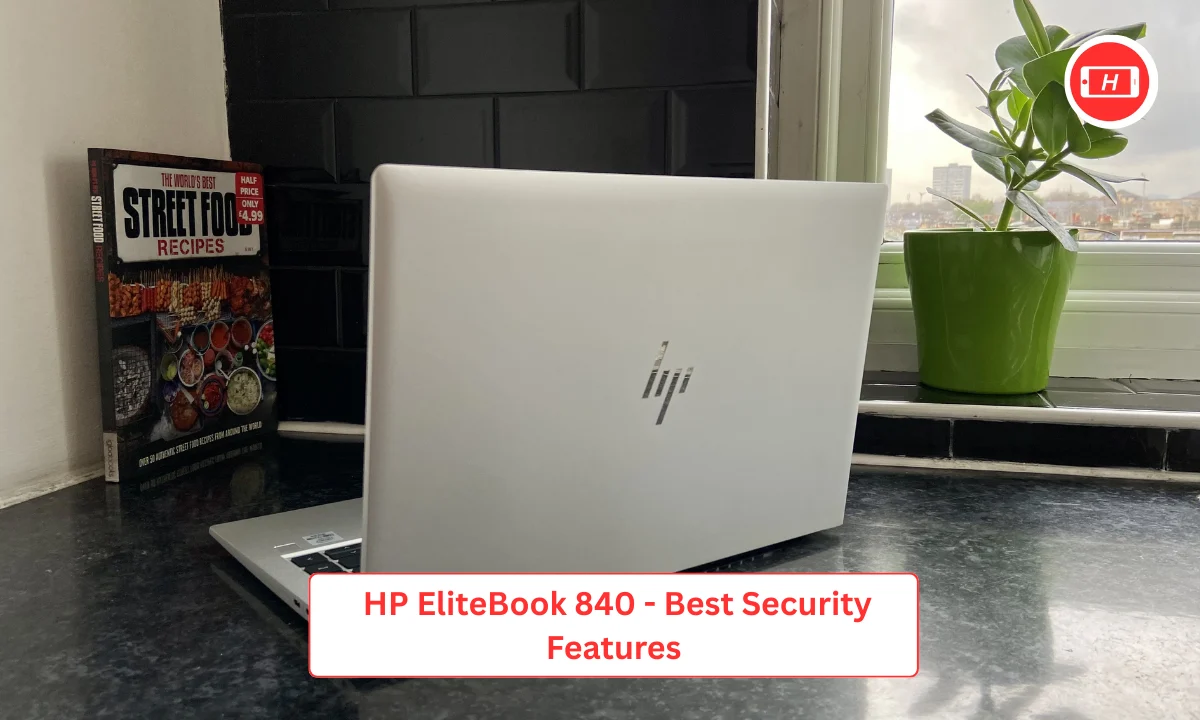
Security matters when working from home and the HP EliteBook 840 excels in this area. I use this laptop for handling confidential client information and the multiple security layers provide confidence. Built in privacy screen, fingerprint reader and TPM chip create comprehensive protection.
The professional design looks appropriate for business environments. I have taken this laptop to client meetings and it projects the right image of professionalism. Performance is reliable with Intel processors handling business applications smoothly. The keyboard is comfortable for extended use though not quite reaching ThinkPad levels.
Battery life consistently delivers 12 to 15 hours allowing me to work through full days without power concerns. The webcam includes a physical privacy shutter which I value for protecting my privacy when not in calls. For professionals in industries with strict security requirements, this laptop addresses those needs effectively.
Key Features: Advanced security features, professional design, 12-15 hour battery, privacy shutter, TPM security chip
6. Apple MacBook Pro 14 M4 – Best for Power Users
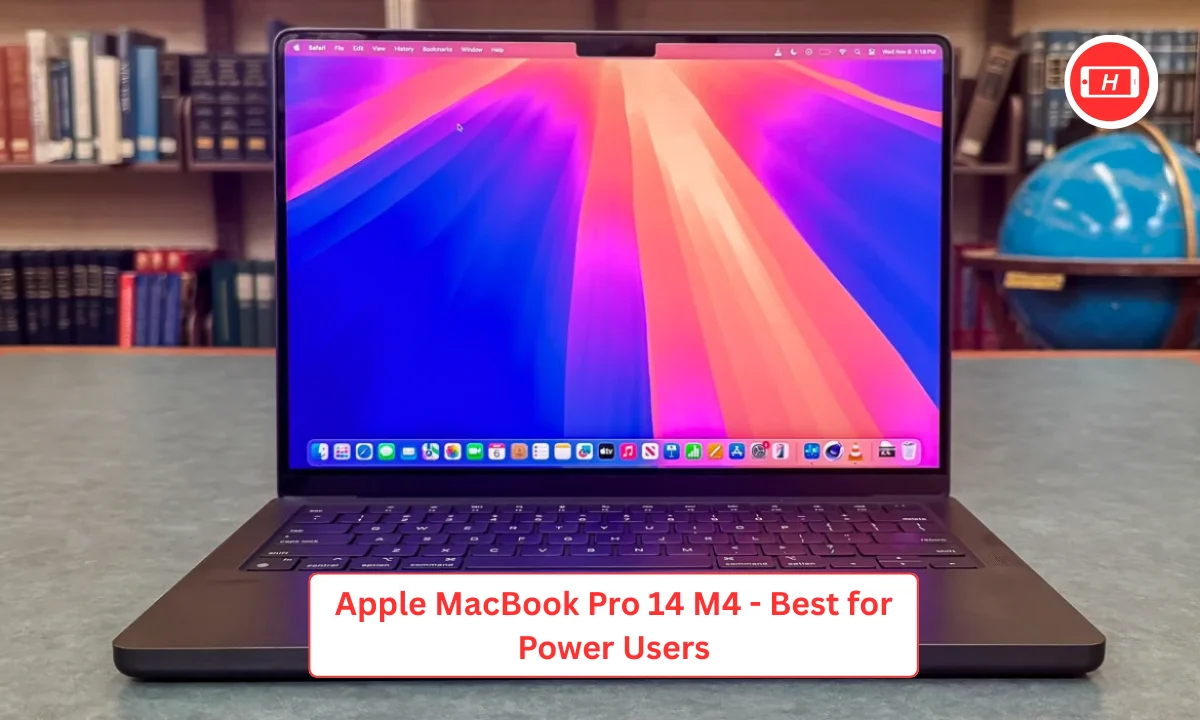
When I need maximum performance for demanding work tasks, the MacBook Pro 14 M4 delivers exceptional capabilities. This laptop handles heavy workloads effortlessly including video editing, data analysis and running multiple virtual machines simultaneously. The M4 Pro chip provides power that exceeds what most work from home professionals need but ensures future proofing.
Battery life exceeds 20 hours even under moderate to heavy use. I can work for multiple days without charging which provides incredible flexibility. The display is gorgeous with HDR support and high brightness that works well in various lighting conditions including near windows with natural light.
The keyboard and trackpad match the quality of the MacBook Air but you get significantly more power for intensive tasks. Weight is reasonable at around 3.5 pounds considering the performance capabilities. For professionals who need laptop power that rivals desktop workstations, this MacBook Pro justifies the premium investment through consistent high performance delivery.
Key Features: M4 Pro chip power, 20+ hour battery, HDR display, desktop level performance, excellent build quality
7. Microsoft Surface Laptop 7 – Best for Windows Ecosystem
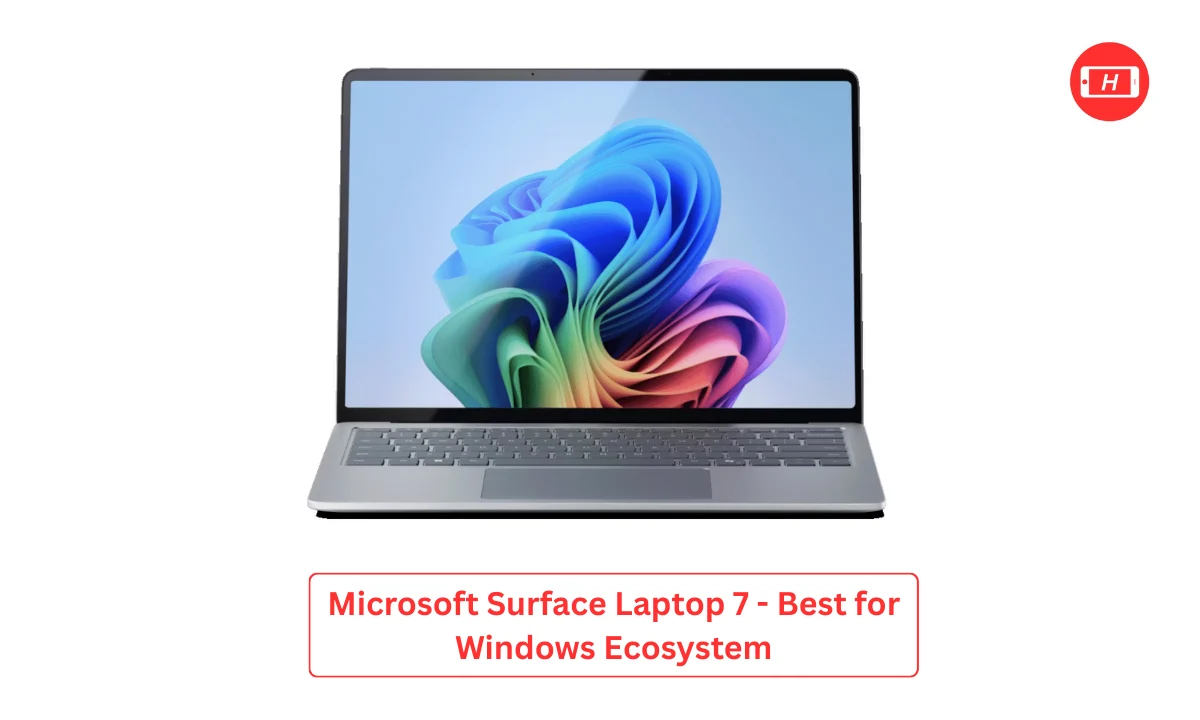
The Surface Laptop 7 integrates seamlessly with the Windows ecosystem making it ideal for users invested in Microsoft services. I use this laptop with OneDrive, Teams and Office 365 extensively and the integration creates efficient workflows. The touchscreen adds versatility allowing me to interact with content in different ways during presentations.
Build quality feels premium with the aluminum and Alcantara material combination creating a unique aesthetic. The keyboard provides good tactile feedback and I find typing comfortable during long work sessions. Battery life ranges from 12 to 16 hours depending on usage patterns which covers full workdays easily.
The webcam quality is adequate for video calls though not exceptional. Where this laptop shines is in the overall Windows experience that feels polished and cohesive. For professionals who rely heavily on Microsoft software for work from home tasks, this laptop provides the best optimized experience.
Key Features: Windows ecosystem integration, touchscreen display, premium materials, 12-16 hour battery, good keyboard
Comparison Table
| Laptop Model | Battery Life | Weight | Display | Best For | Price Range |
|---|---|---|---|---|---|
| MacBook Air M4 | 18-20 hours | 2.7 lbs | Retina | Overall Excellence | ₹90,000+ |
| ThinkPad X1 Carbon | 15-28 hours | 2.5 lbs | FHD+ | Business Users | ₹1,20,000+ |
| Dell XPS 14 | 12-15 hours | 3.2 lbs | QHD+ | Premium Windows | ₹1,40,000+ |
| Asus Zenbook 14 | 10-14 hours | 1.5 kg | OLED | Display Quality | ₹75,000+ |
| HP EliteBook 840 | 12-15 hours | 2.8 lbs | FHD | Security | ₹1,00,000+ |
| MacBook Pro 14 M4 | 20+ hours | 3.5 lbs | HDR | Power Users | ₹1,80,000+ |
| Surface Laptop 7 | 12-16 hours | 2.9 lbs | Touch | Windows Integration | ₹1,10,000+ |
Conclusion
Selecting the best laptops for work from home depends on your specific needs and workflow requirements. Through my extensive testing and daily use of these machines, I have found that battery life and portability matter most for remote work success.
The laptops featured in this guide represent the top options available in 2026 each excelling in different areas.
For most professionals, I recommend the MacBook Air M4 as the best overall choice combining excellent battery life, portability and consistent performance. Business users will appreciate the ThinkPad X1 Carbon for its legendary keyboard and durability.
If you need maximum power, the MacBook Pro 14 M4 delivers desktop class performance in a portable package.
Remember that the best laptop for you depends on your operating system preference, specific work requirements and budget.
All the laptops I have featured provide the essential capabilities needed for successful work from home productivity including quality webcams, comfortable keyboards and sufficient battery life for full workdays. Investing in the right laptop improves your daily work experience and ultimately contributes to your professional success in remote work environments.
Tags: work from home laptops, best laptops 2026, remote work laptops, WFH laptops, business laptops, productivity laptops, long battery life laptops
Related Posts :


Share This Post